
Product Update 3.5:
📡 NDI® Output for the Desktop App

One of the most requested features from production teams. No more capturing browser windows with scan converters.
The desktop app now sends timer displays as native NDI® video sources at 1080p/30fps. Open a controller for a room, and its display outputs (Viewer, Agenda, Moderator, custom outputs) appear on the network. vMix picks them up automatically. OBS needs the free DistroAV plugin.
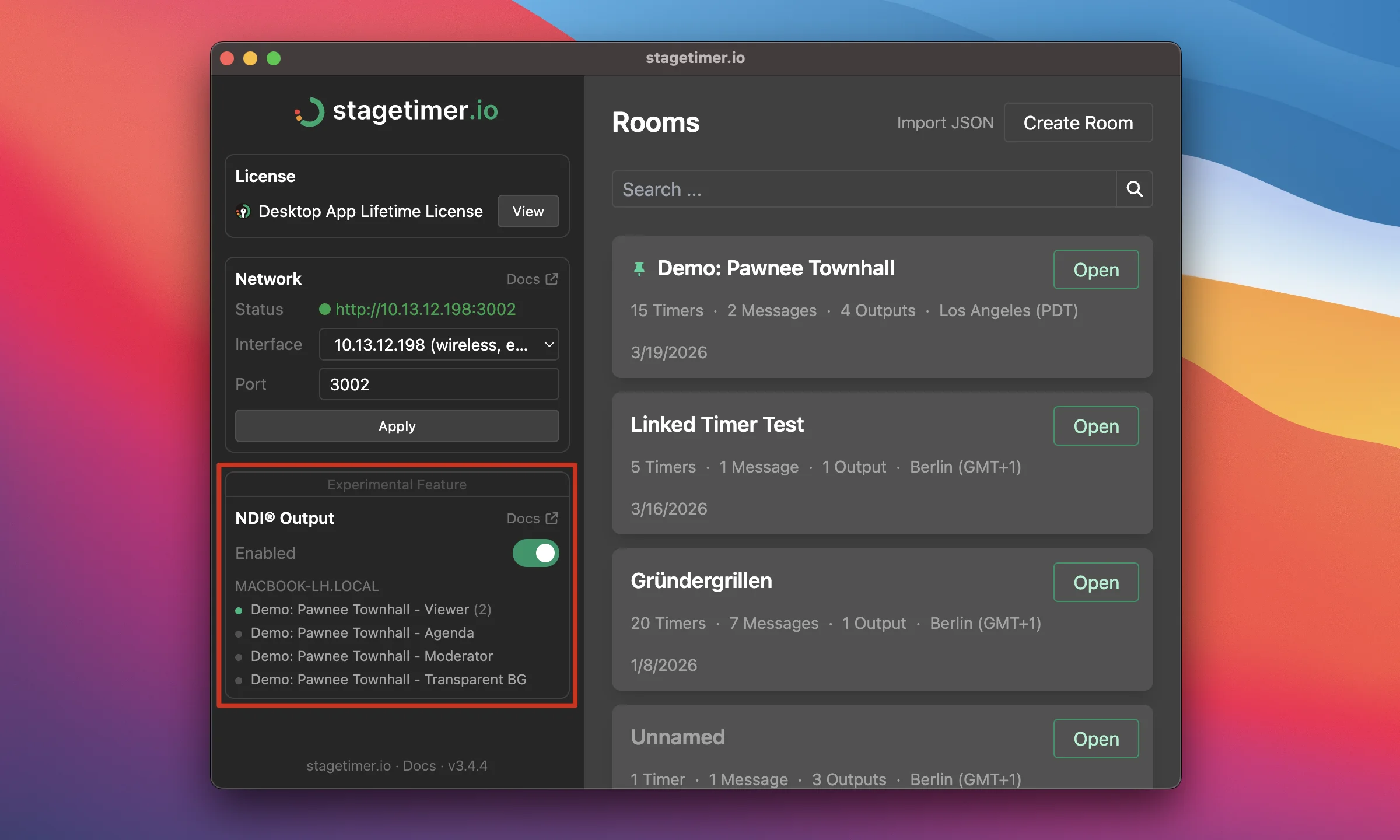
How it works
NDI is on by default. Open a controller, outputs show up as NDI sources. Names follow the standard convention:
HOSTNAME (Stagetimer - Room Name - Output Name)If mDNS discovery doesn’t find the source, copy the name from the Output Links popup.
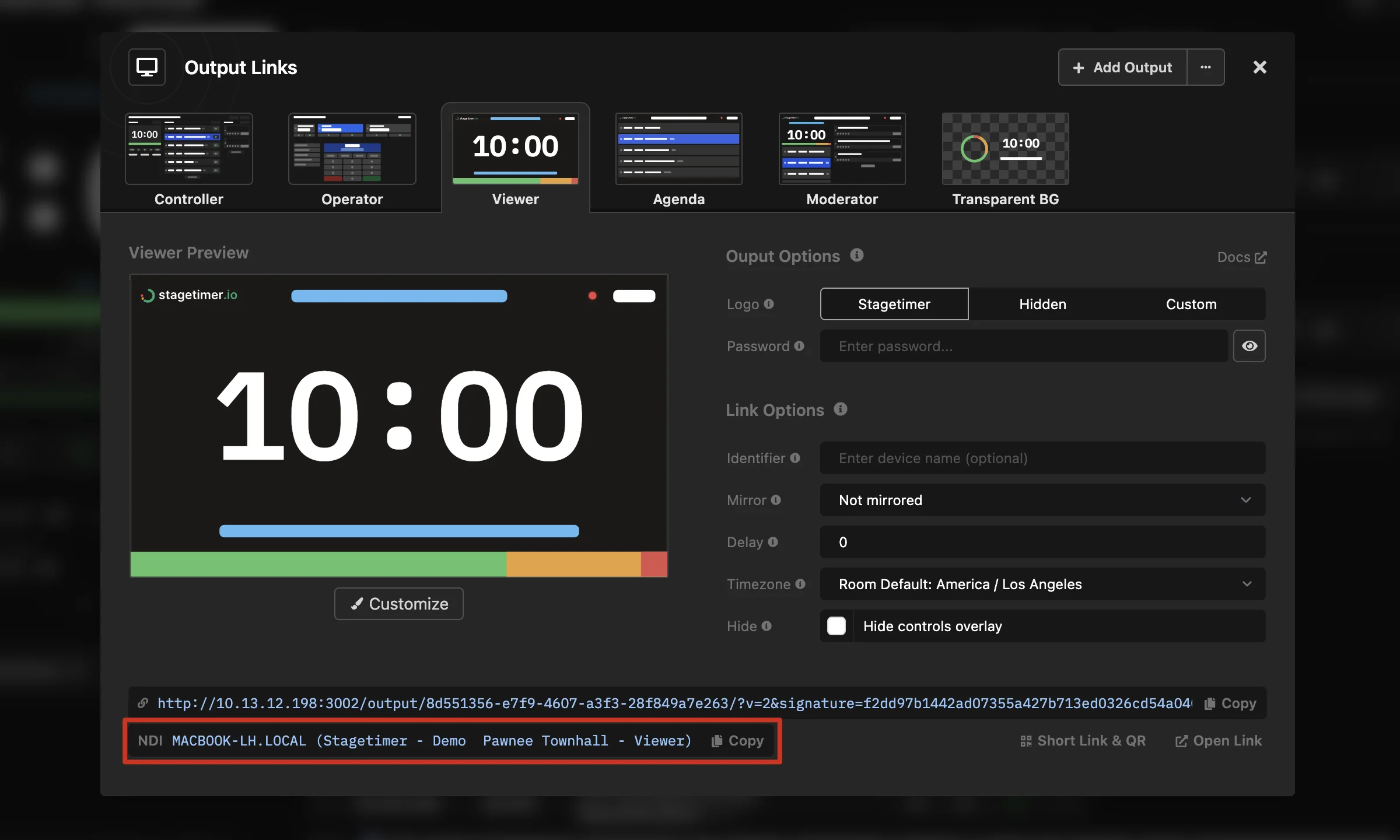
Controller and Operator are excluded — they’re control interfaces, not displays.
Built for live shows
Feeds survive. Close a controller while receivers are connected and the feed keeps running. It stays up until the last receiver disconnects.
Alpha channel. Premium users can set transparent backgrounds per output. The NDI feed carries the alpha through for direct compositing without chroma keying.
Live Connections. Each output with active receivers counts as one device slot. Multiple receivers on the same output don’t cost extra.
Available on all plans. Marked experimental while we gather feedback.
Getting started
vMix: Add Input → NDI / Desktop Capture → select the Stagetimer source. Full guide.
OBS: Install DistroAV + NDI Runtime, then add an NDI Source. Full guide.
Full documentation: NDI® Output · All changes: Changelog
Questions or issues? Contact support
Cheers,
Lukas
Stay updated on future releases: