
CueTimer Alternative
A cloud-based CueTimer alternative that works on any device
CueTimer is a solid desktop timer for AV setups with HDMI and BlackMagic output. But when your team is distributed or your speakers need remote access, Stagetimer is the cloud-based alternative — NDI output, remote control from any browser, no per-machine fees.
No credit card and no downloads required
Trusted by 6,837 video producers and event organizers, and used for events at:


Stagetimer vs CueTimer, compared
| Features | Stagetimer | CueTimer |
|---|---|---|
| Pricing |
Free plan available. View pricing → |
Per-computer annual license. View pricing → |
| Platform | Cloud (browser) + Desktop app | Desktop app only (Mac & PC) |
| Remote control | From any device via link | Local network only |
| Countdown/count-up timers | ||
| Cue list / rundown | ||
| Speaker messaging | ||
| CSV import | ||
| NDI output | Desktop app | NDI 5 + alpha channel |
| HDMI / BlackMagic output | Via browser fullscreen | Native |
| Stream Deck / Companion | ||
| OSC support | ||
| Timer speed adjustment | Invisible to presenter | |
| Sharable link / QR code | ||
| Custom branding (logo, colors) | ||
| API access | REST API | TCP/IP API |
| Audience Q&A | ||
| Offline mode | Desktop app | Always offline |
| Free version | Unlimited time | 10-min trial sessions |
How are they different?

Stagetimer is a cloud-based countdown timer built for remote control. Create a room, add timers and a rundown, then share a link with your team. Everyone — operators, speakers, and crew — sees the same timer in real time from any browser. No software to install, no machines to license.
The desktop app for Mac, Windows, and Linux adds offline reliability and native NDI output for broadcast workflows.
 CueTimer
 CueTimer is a professional desktop application by PresentationTools, a solo-developer company in Norway. Its strength is deep hardware integration — NDI 5 with alpha channel, HDMI, BlackMagic Decklink output, and OSC for show-control systems. Version 4.0 added multiple independent timer lists and a Multitimer window for multi-room monitoring.
The trade-off: the operator must be at the computer running CueTimer, and each machine needs its own annual license. It's designed for local AV setups, not remote or distributed teams.
When to choose which
Choose Stagetimer when…
- ✅ Your team is distributed or working remotely
- ✅ Speakers need to see their own timer from their device
- ✅ You want NDI output and remote browser access
- ✅ You want one subscription for your whole team
- ✅ You need a free option for smaller events
- ✅ You run events on different devices (Mac, PC, iPad, phone)
Choose CueTimer when…
- ✅ You use BlackMagic Decklink or Ultrastudio devices
- ✅ Your operator is always physically at the computer
- ✅ You need OSC integration with other show-control gear
- ✅ You need native HDMI output without a browser
- ✅ You prefer a fully offline, no-cloud workflow
Why AV teams are choosing Stagetimer

Senior Webcast Engineer at Ecast Productions

Director of The Audio Visual Guys
What Stagetimer does differently
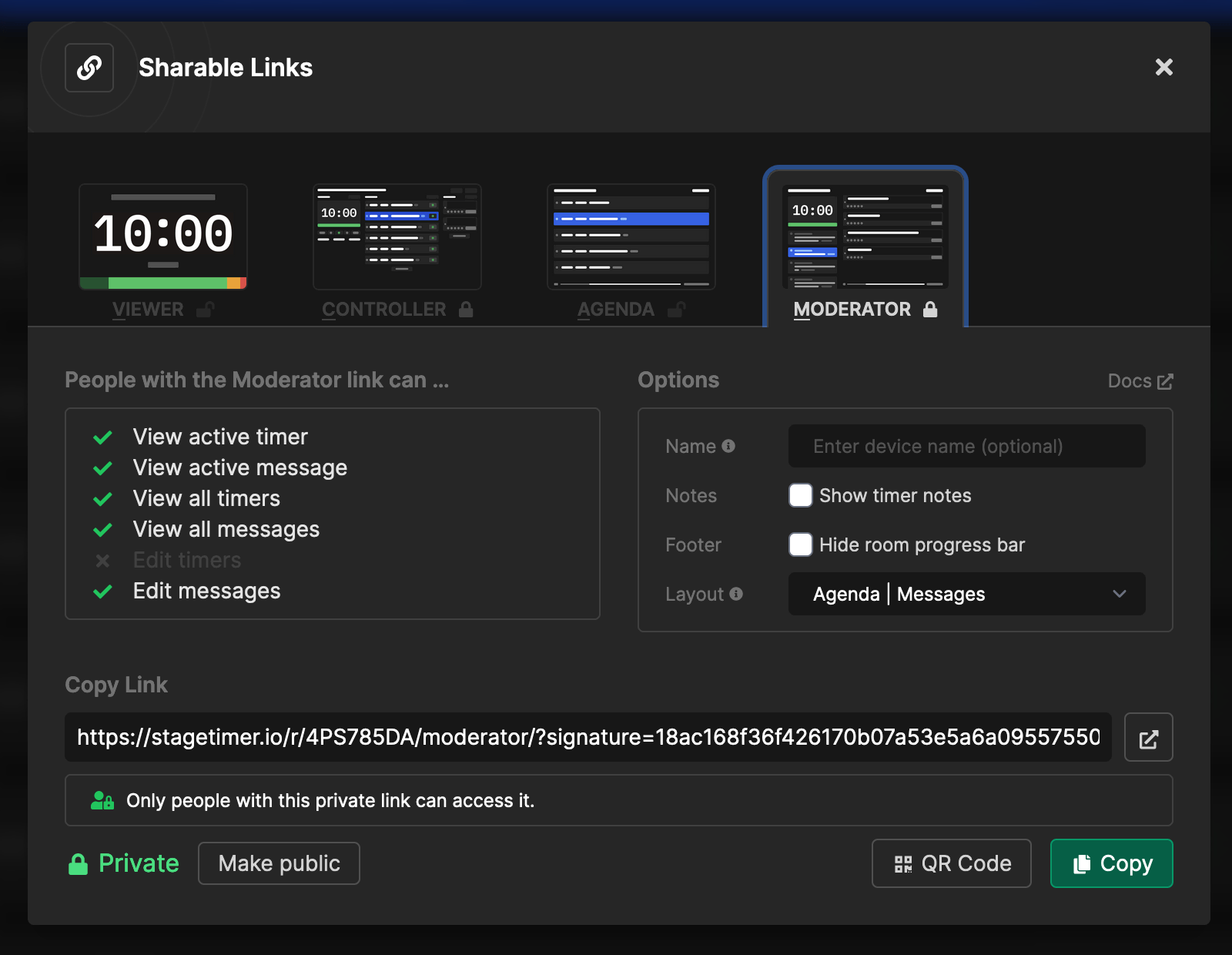
Share a link, not a computer
With CueTimer, the operator has to be at the machine. With Stagetimer, everyone gets their own view via a link. The stage manager controls the timer, the speaker watches the countdown on their phone, the producer monitors from backstage. No installs, no networking headaches.

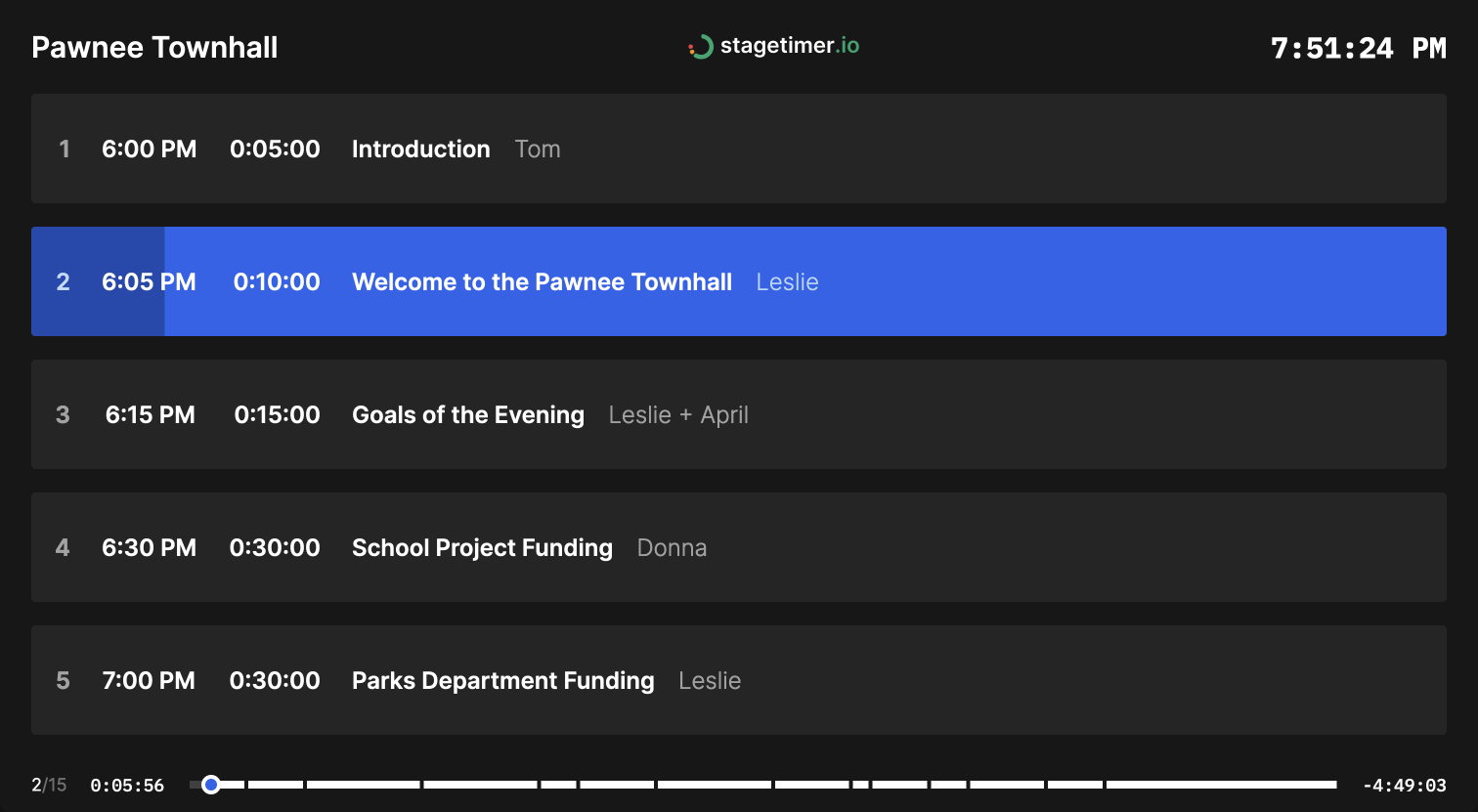
One subscription, unlimited devices
CueTimer charges per computer, per year. Five machines? That adds up fast. Stagetimer is one flat subscription—connect as many devices as your plan allows. Your team grows, your cost stays the same.
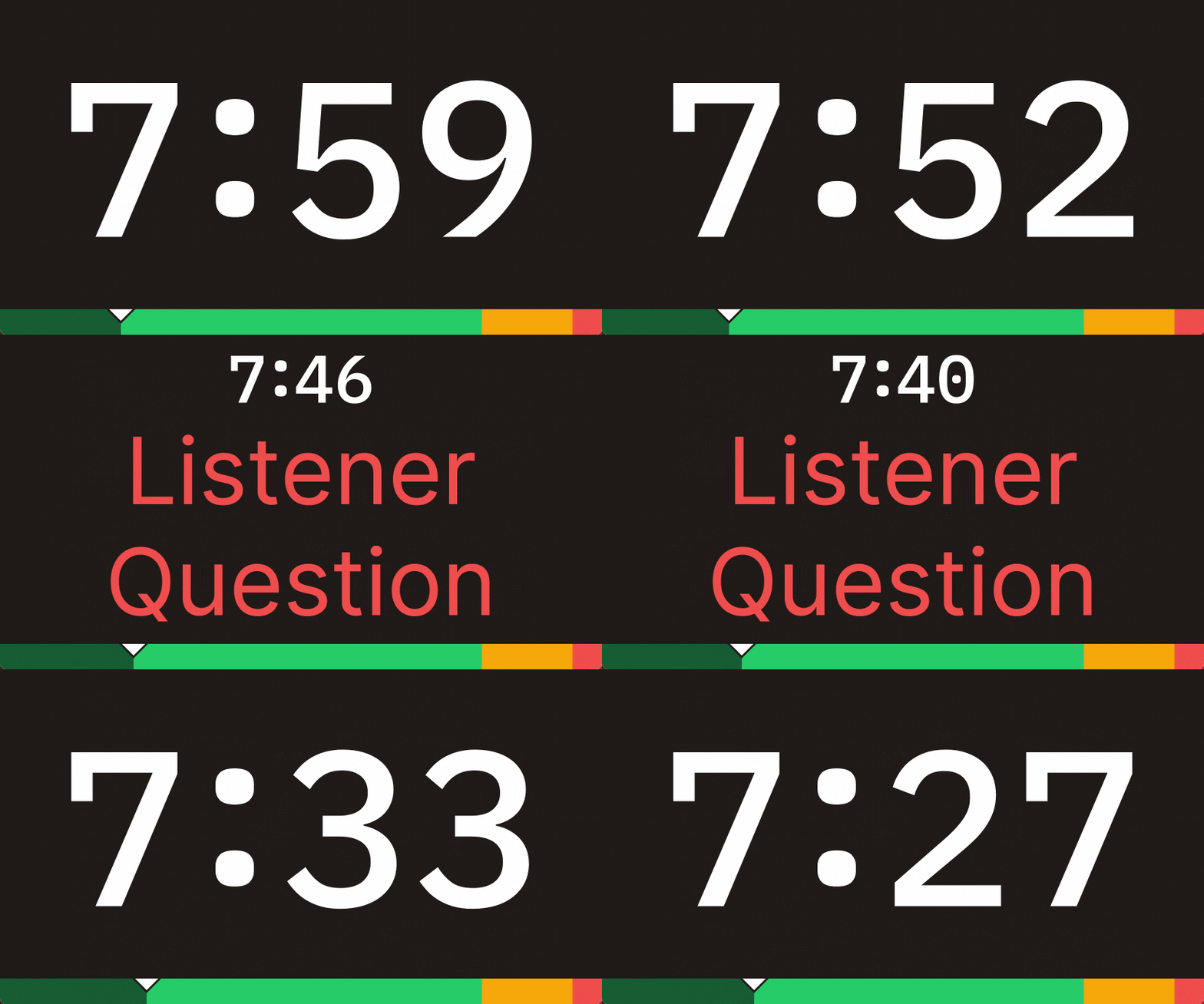
Messages your speakers actually see
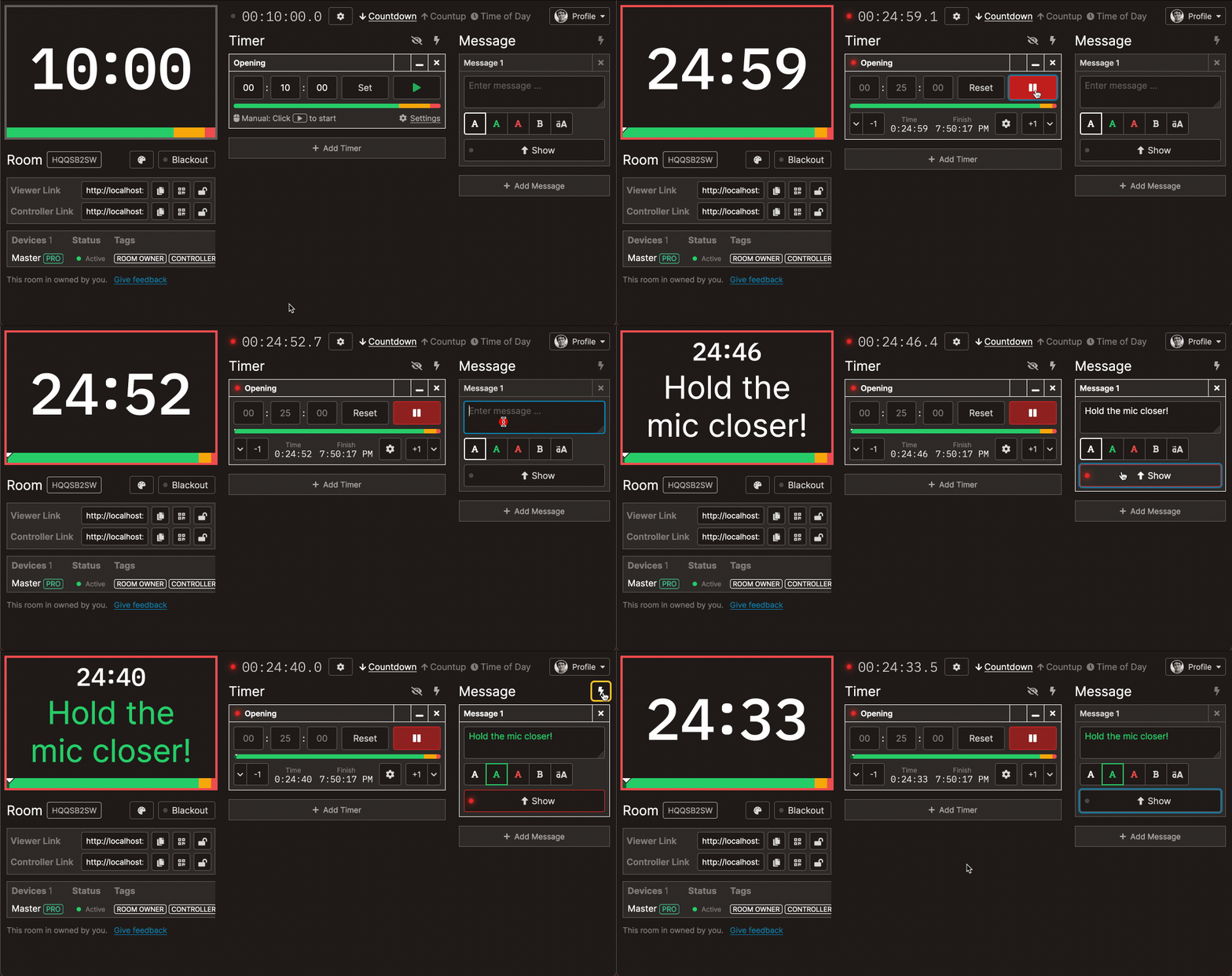
Send color-coded messages to the timer screen. "Wrap up," "Skip ahead," "You're on mute"—whatever you need. Both tools support messaging, but Stagetimer's messages appear on every connected device, not just the one screen the operator controls.
Get started in under a minute
No download, no license activation, no 10-minute trial limits. Open a browser, create a room, add your timers—you're live. Import your schedule from CSV if you already have one. The free plan has no time restrictions.
Compare the interfaces
Timer control
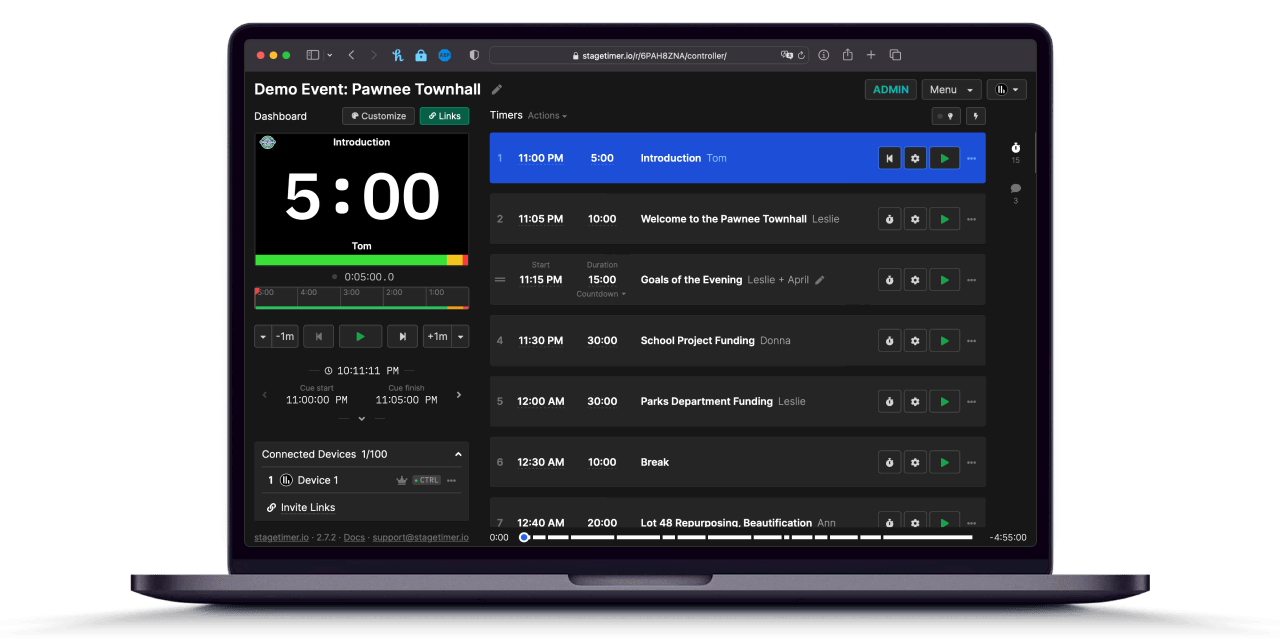
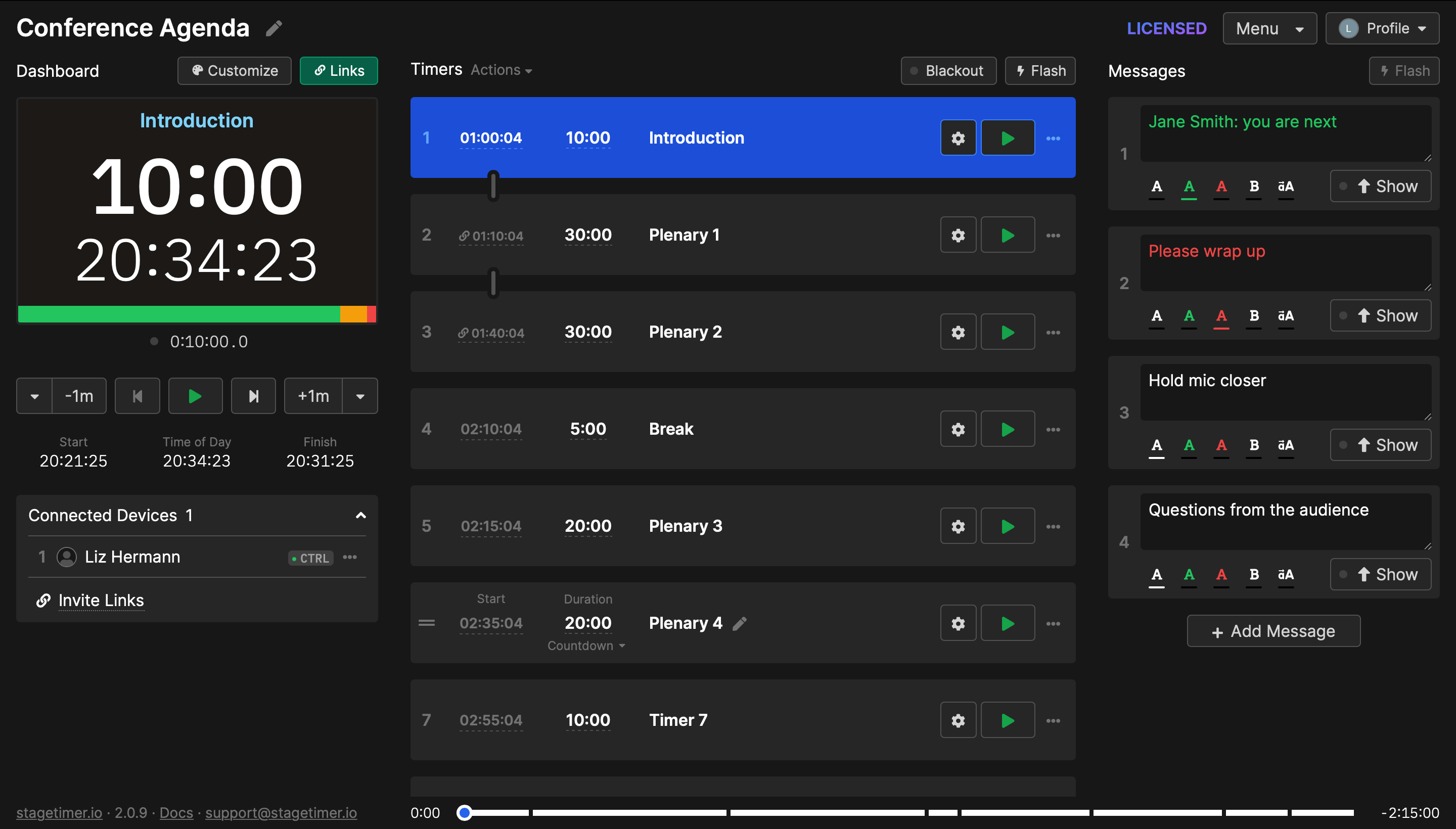
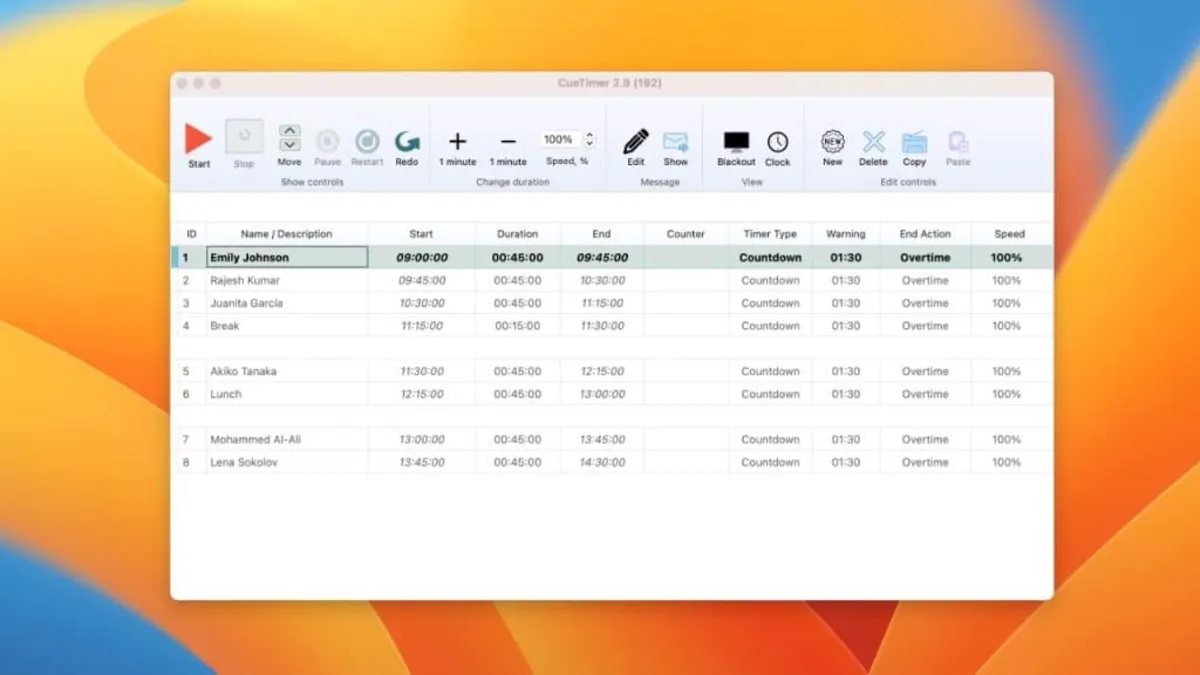
Stagetimer runs in the browser — your rundown, timer controls, and settings are all in one view. CueTimer is a desktop app with a cue list editor, transport controls, and hardware output settings.
Stage output
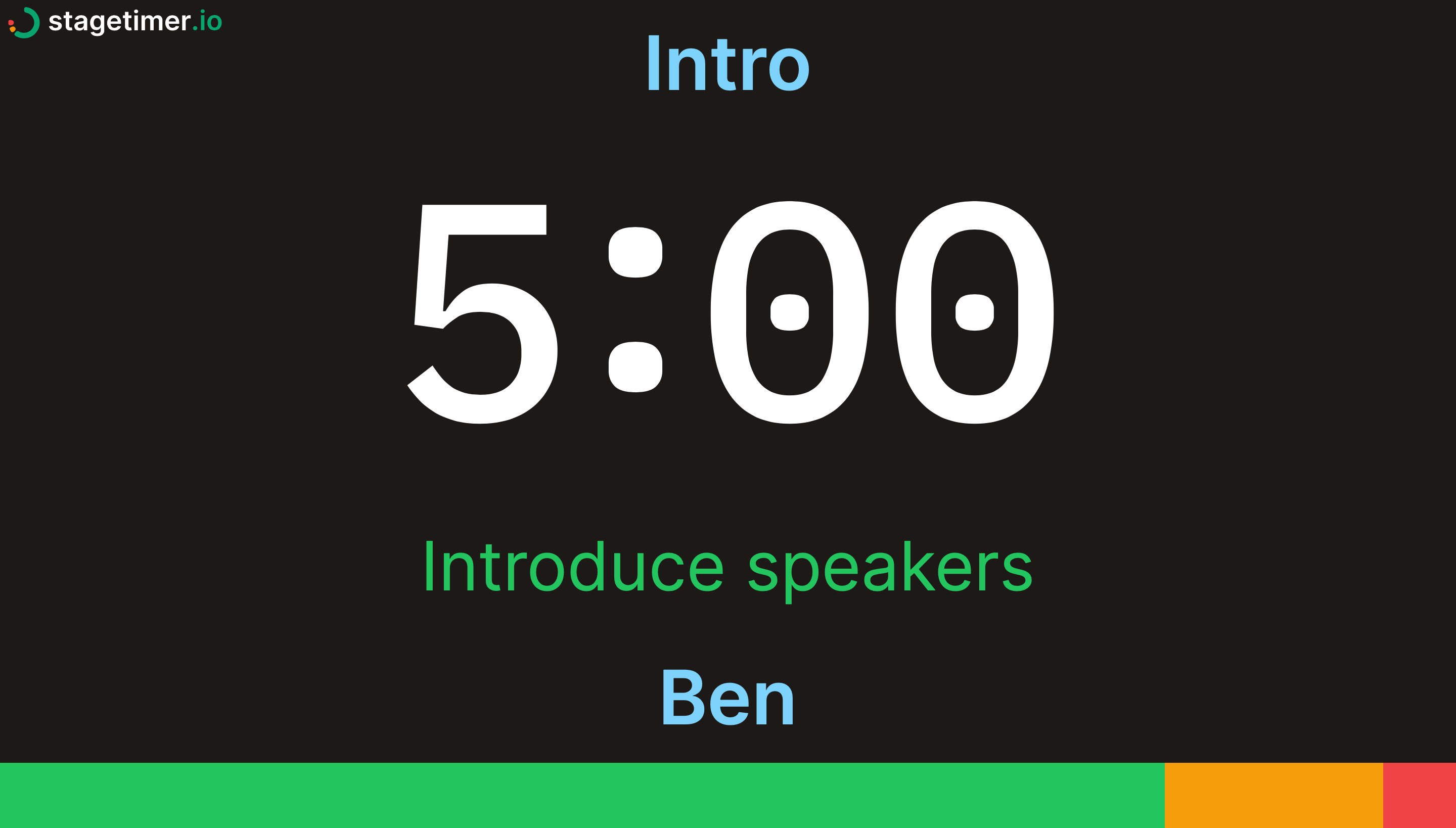
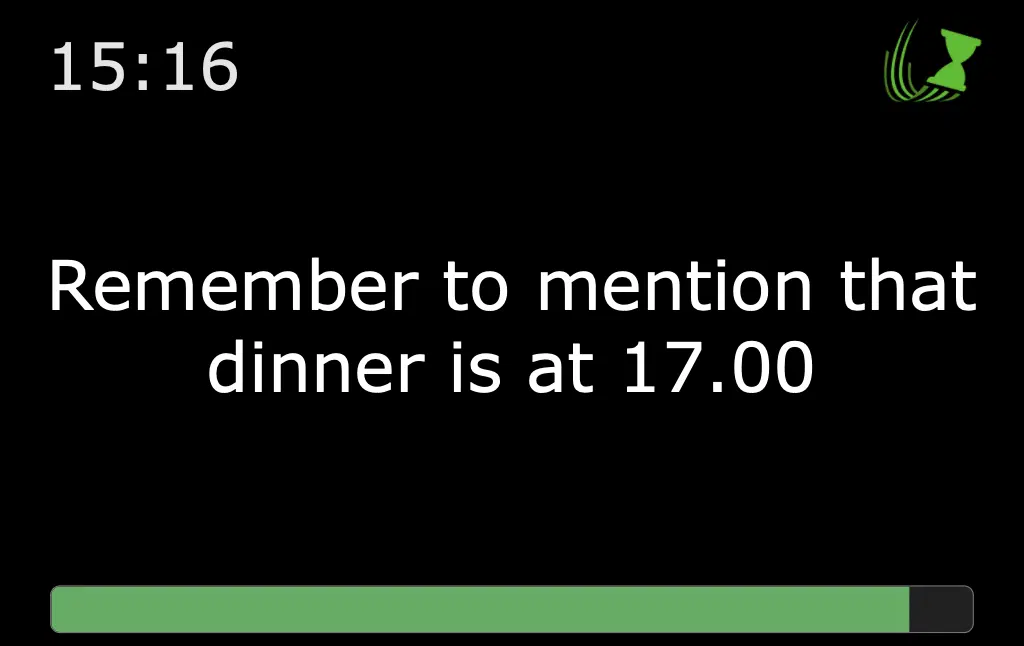
CueTimer sends its timer via HDMI or NDI from the operator's computer. Stagetimer outputs via NDI from the desktop app and via shareable links anyone can open on any device. Here's what your speakers see:
Frequently asked questions
Does Stagetimer support NDI output?
Yes. The Stagetimer Desktop App sends timer displays as native NDI sources at 1080p/30fps. vMix picks them up automatically; OBS works with the free DistroAV plugin. Both Stagetimer and CueTimer support NDI — the difference is that Stagetimer also gives you cloud-based remote access alongside it.
How does pricing compare?
CueTimer charges per computer per year. Stagetimer charges a flat subscription regardless of how many devices you connect. For teams with multiple computers, Stagetimer is significantly cheaper. Stagetimer also has a free plan with no time limits. See full pricing →
Can I use Stagetimer with Stream Deck?
Yes. Stagetimer has a Bitfocus Companion module that works with Stream Deck, just like CueTimer does. Start, stop, and switch timers from physical buttons.
Can I use Stagetimer offline?
Yes. The Stagetimer Desktop App for Mac, Windows, and Linux works fully offline. The cloud version needs an internet connection, but works reliably even on slow or spotty connections.
Can speakers see the timer on their own devices?
With Stagetimer, yes. Share the Viewer link and anyone can open the countdown on their phone, tablet, or laptop. With CueTimer, the timer output goes to the operator's computer via HDMI, NDI, or a local web page on the same network.
Pricing
Stagetimer's speaker timer has some of the most affordable pricing. Enjoy all the essential timer-management functions for free.
Need our premium countdown timer for a one-time event? Pay a one-time flat fee and get full-time access for 10 days. Or, pay a small monthly subscription (save 20% annually) for ongoing access to our full-suite public speaking timers to create and manage your events and presentations.
Starter
Pro
Premium