
Easy-To-Use Timer for Fitness Classes, Interval Training, and Workouts
Turn your smartphone, laptop, or desktop into a fitness timer that's beginner-friendly, customizable, and portable (with fullscreen mode).
No more running around or picking up the phone to reset timers when you can program Stagetimer to auto-start and run multiple timers in sequence.
Use it with or without sound. Choose from various sounds, such as chimes, bells, or buzzers, to signal an exercise or pose change. A color-coded progress bar complements the countdown timer as a subtle visual reminder.
No credit card or signup required
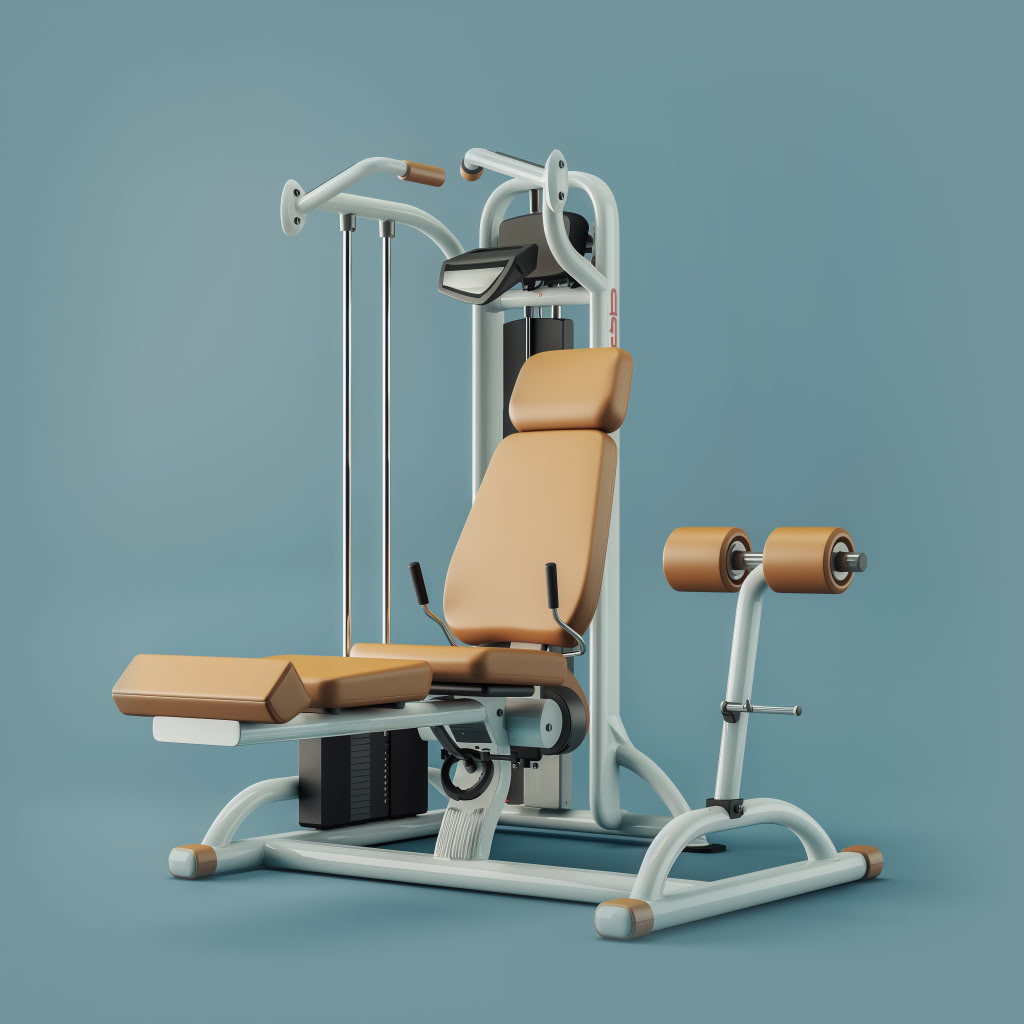
Use Stagetimer in a variety of workouts

Interval timer
Display workout intervals for HIIT classes, circuit training, or interval training with buzzer or bell sounds to alert participants to change workout stations.
Optional: Make the timer flash as it approaches the end time.

Workout sessions
Link timers that run automatically in sequence for the changes in intensity and cadence throughout the session so you can focus on calling out commands at the right time.
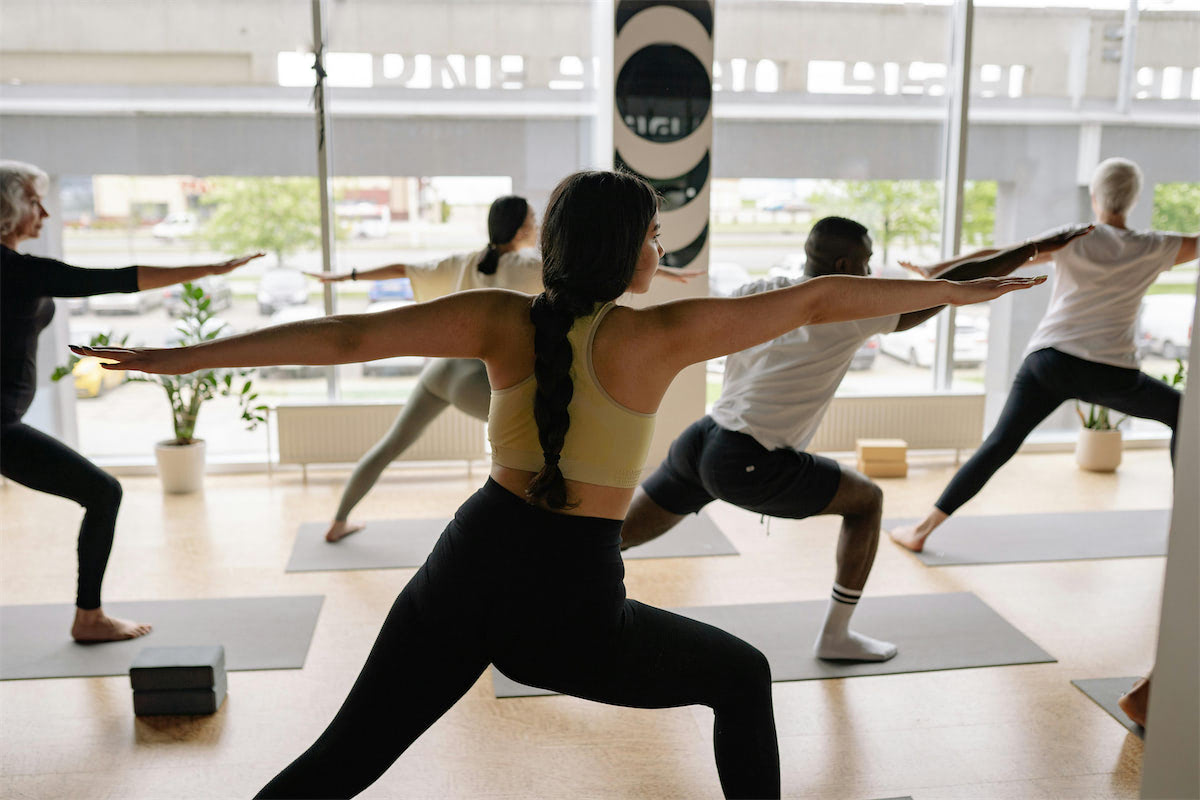
Yoga and Pilates
Set timers for different poses and breathing exercises to maintain a consistent flow in your practice.
Optional: Include the names of each pose under each timer.
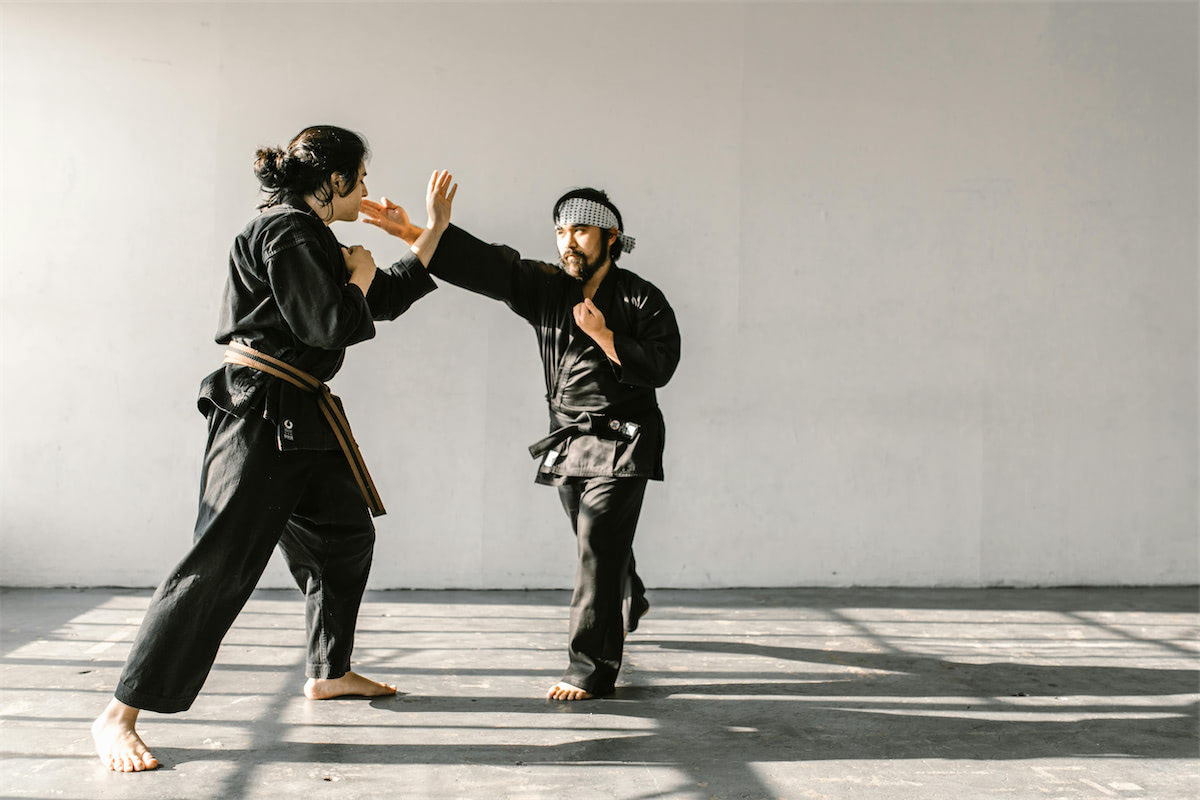
Group classes or lessons
Keep group classes on time with timers for different segments of the workout (warm-up, cool-down, etc.). Decide what you want to see on the timer screen and keep it distraction-free.
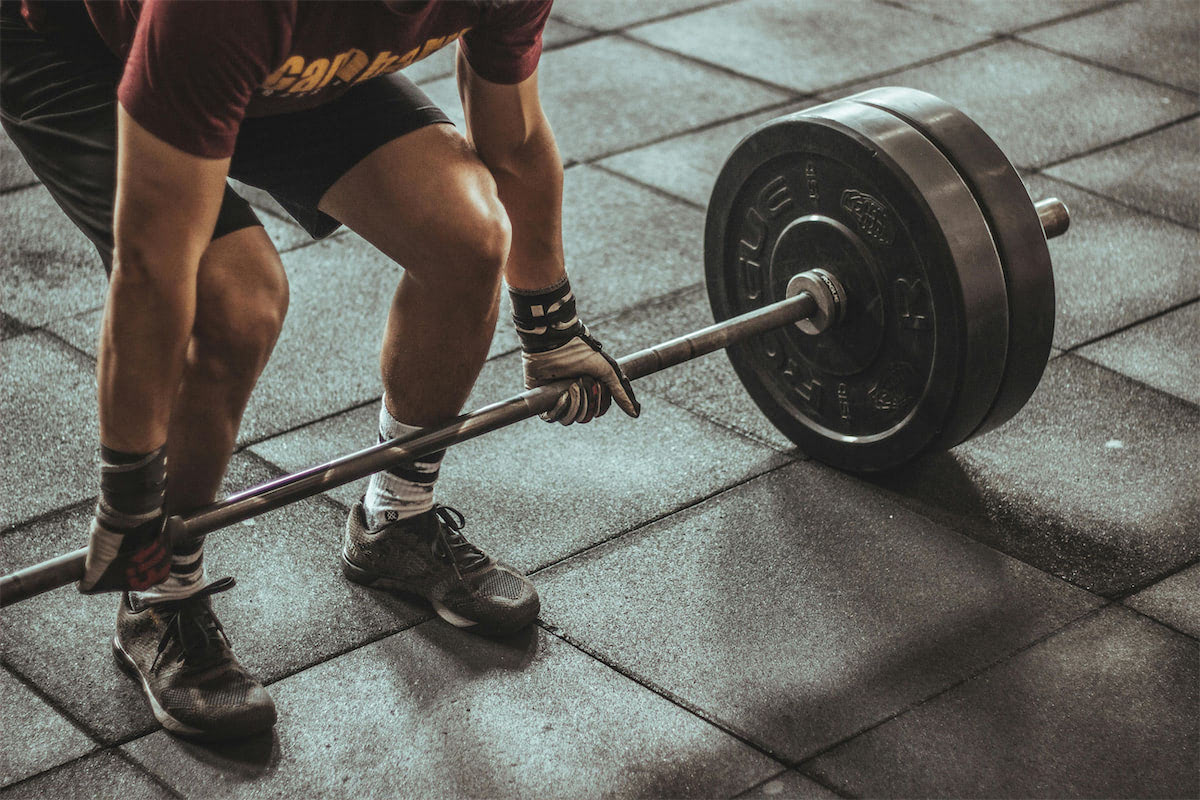
Bootcamps
Need to time exercises or rounds during boot camp or fitness competitions? A countdown timer can be displayed on any large screen and remotely controlled by timekeepers.
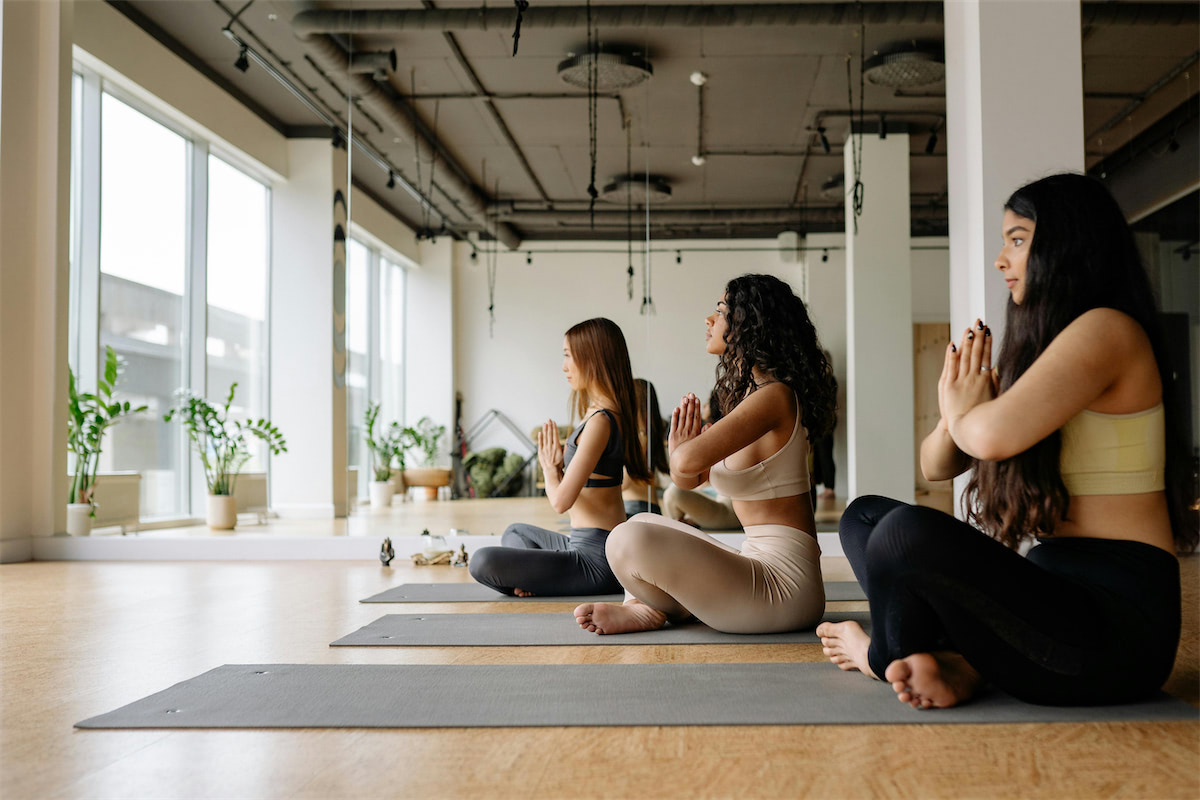
Meditation and wellness timer
Gently time your meditation practice, massage, yoga, or therapy session with a fullscreen timer and visual progress bar. Choose from 9 sounds, such as a bell, gong, wind chime, and more.
See Stagetimer in action

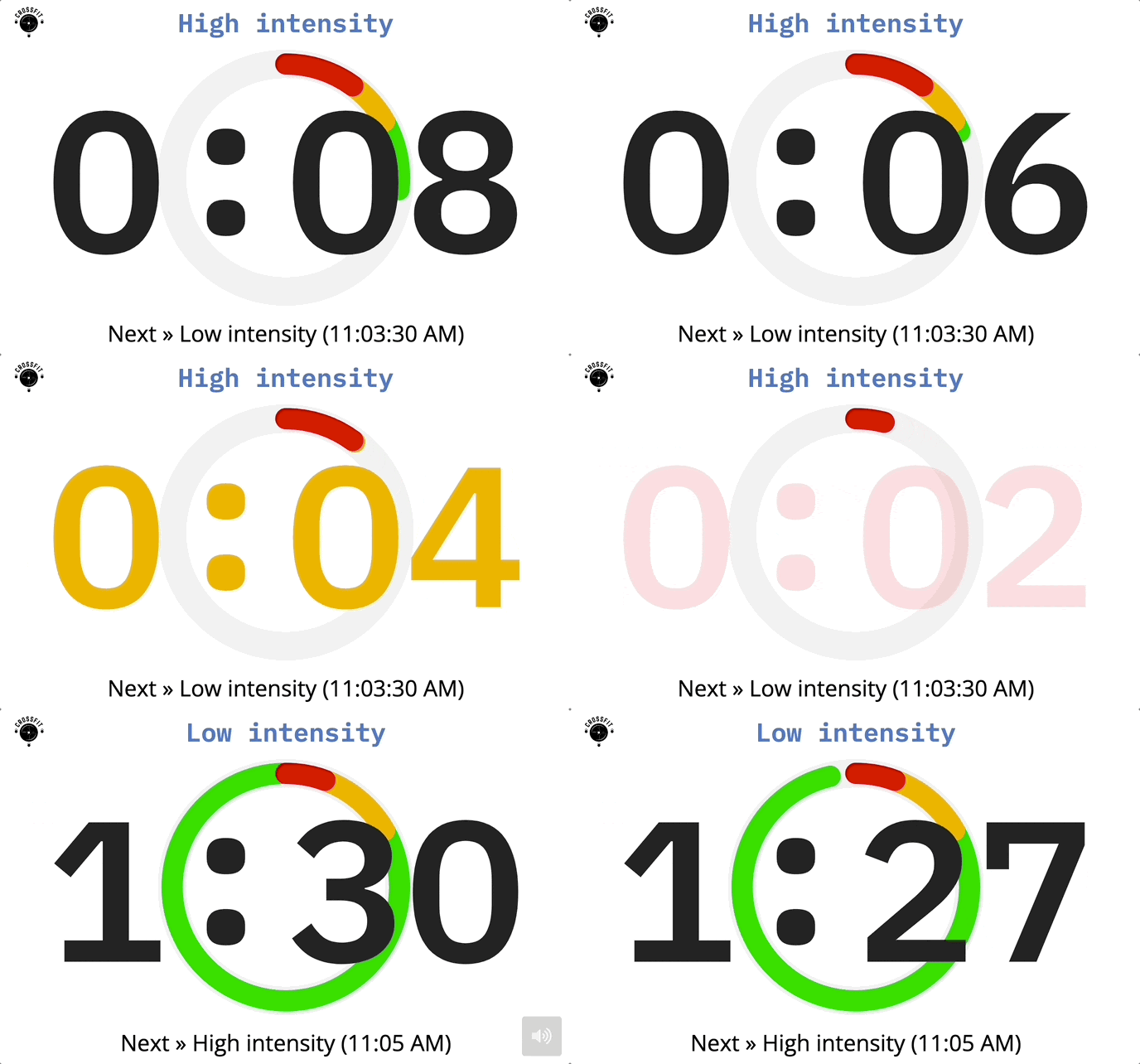
Versatile full-screen timers
Turn any device or screen into a timer. Choose from countdown, count-up, or clock formats. Customize the display with a progress bar, titles, and more—or hide them to keep it distraction-free.
Automatic text size scaling keeps your timer clear and readable from any distance.
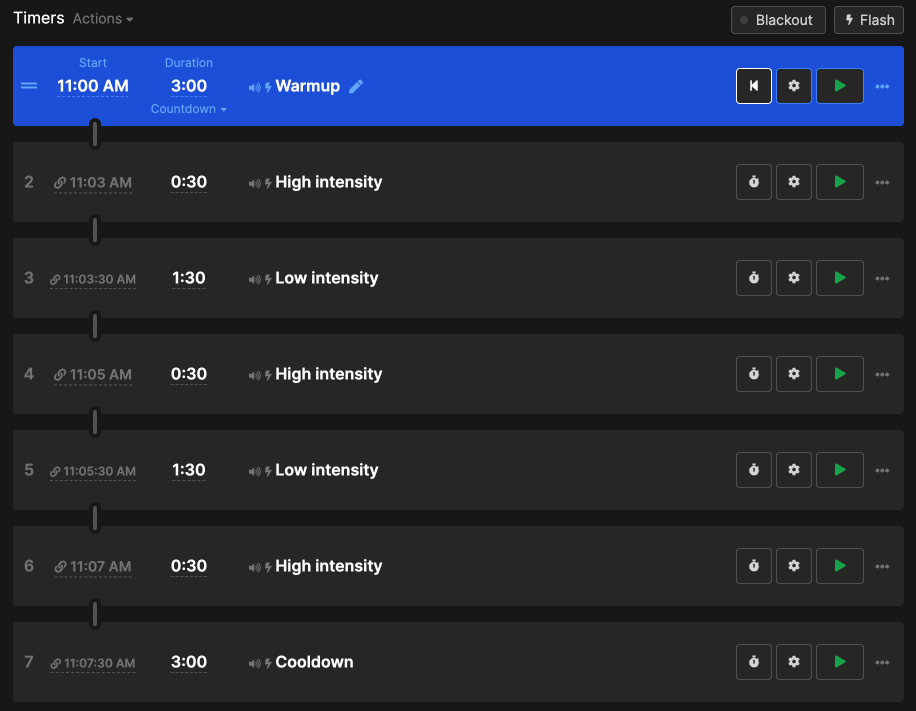
Build your custom workout program
Stagetimer works as an interval, yoga, Tabata, and meditation timer. Add durations for each interval, workout, or pose to create a unique program, no matter what type of exercise.
Go hands-free—Link the timers; they'll automatically start after the previous one ends.
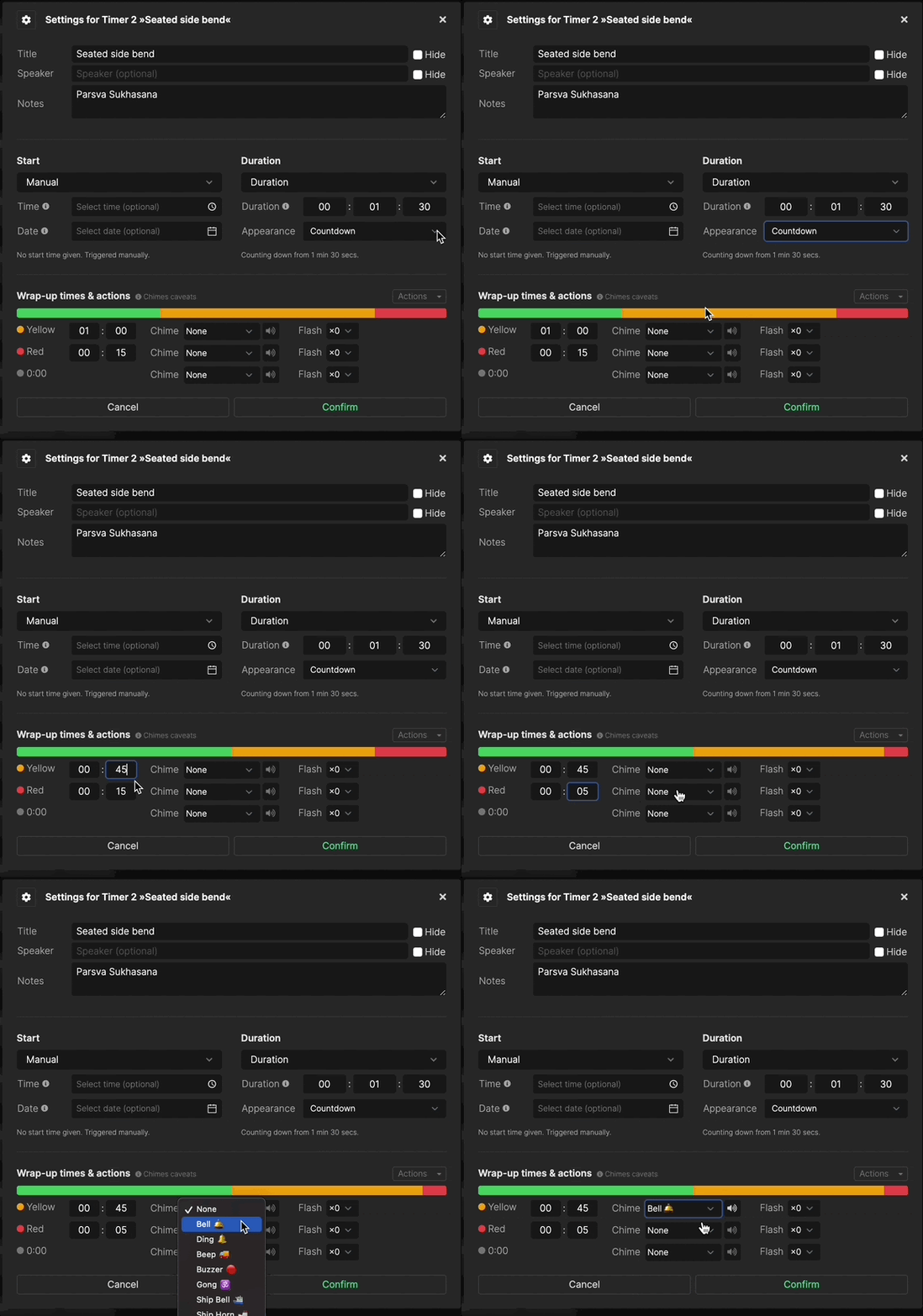
Customize colors and sounds
The timers can run silently, with or without visual cues (progress bar or countdown colors). Nine different chimes are available for workouts and practices that benefit from bells or sound alerts.
You can edit how early or late you want to be reminded towards the end of each timer with colors, sounds, or even flashing timers.
Pricing
We have plans to suit various budgets and needs. The starter plan is always free and has zero ads.
Prices shown in US dollars (USD)
Starter
Pro
Pro, subscription, billed annually
Premium
Premium, subscription, billed annually
Frequently asked questions
Can I use Stagetimer on an Apple Watch or smartwatch?
Yes.
You can use the timer or countdown on a smartwatch that is connected to the internet.
Can I use the timers in my gym as an interval timer?
Yes.
Here's how to display interval timers or a clock on your gym's TVs or monitors.
1. Choose Your Device:
- With internet: Use any up-to-date smartphone, tablet, laptop, or computer (Mac, Windows, or Linux) and access Stagetimer through your web browser.
- Without internet: Download the Stagetimer app on a Mac or Windows computer for offline use.
2. Connect to a screen: Use a cable (like HDMI) or wireless casting technology (e.g., Apple AirPlay or screen mirroring) to display the timer from your device to the TV screen or monitor.
Can I use Stagetimer without internet?
Yes.
Stagetimer also offers a desktop app for Mac and Windows. It runs on a local server on your computer, so devices on the network can access Stagetimer via its IP address, even without internet. Download the desktop app for free to try it for yourself.
The workout or exercise I do isn't listed here. Can I still use Stagetimer?
Yes.
You can set up timers to suit any program, routine, or practice. Add a timer for each part of your workout, then specify the duration. Pre-program and link the timers together, and they'll automatically run in sequence. Use Stagetimer to create a custom workout program or replicate versions that you enjoy from elsewhere.
Can the timer play a sound or chime?
Yes.
The timer can play a sound when the time is up or when it hits user-defined timestamps as it approaches 0:00, also called wrap-up time. You can choose how often the sound will play and select from several pre-defined sounds.
Is it possible to only show the clock (time of day)?
Yes.
Click on the dropdown menu below the duration of a timer. You can then select different timer appearances, which include time of day (clock) or a combination of ToD (Time of Day) and a countdown or count-up timer.