Customer story · Babson College, USA · November 2026
Class timers set up in advance, run alone

- Who
- Luke Stein, Assistant Professor of Finance, Babson College
- Use
- Classes, research presentations and conference sessions, in person, virtual and hybrid
- Gear
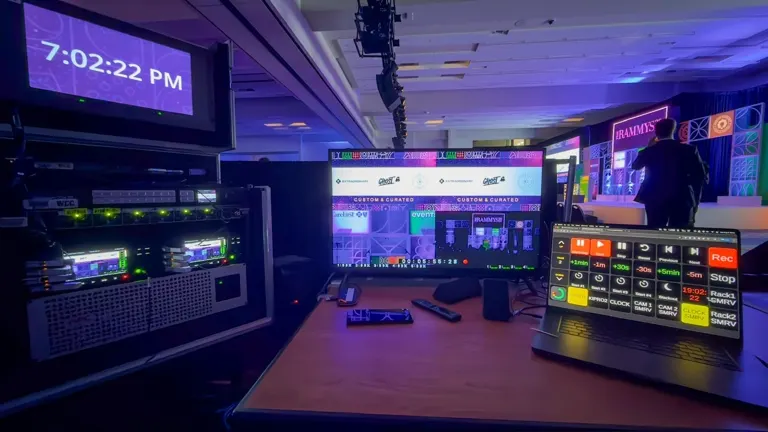
- Laptop as controller; iPad, phone, Firestick or Google TV as displays; OBS, ATEM Mini, Stream Deck with Companion
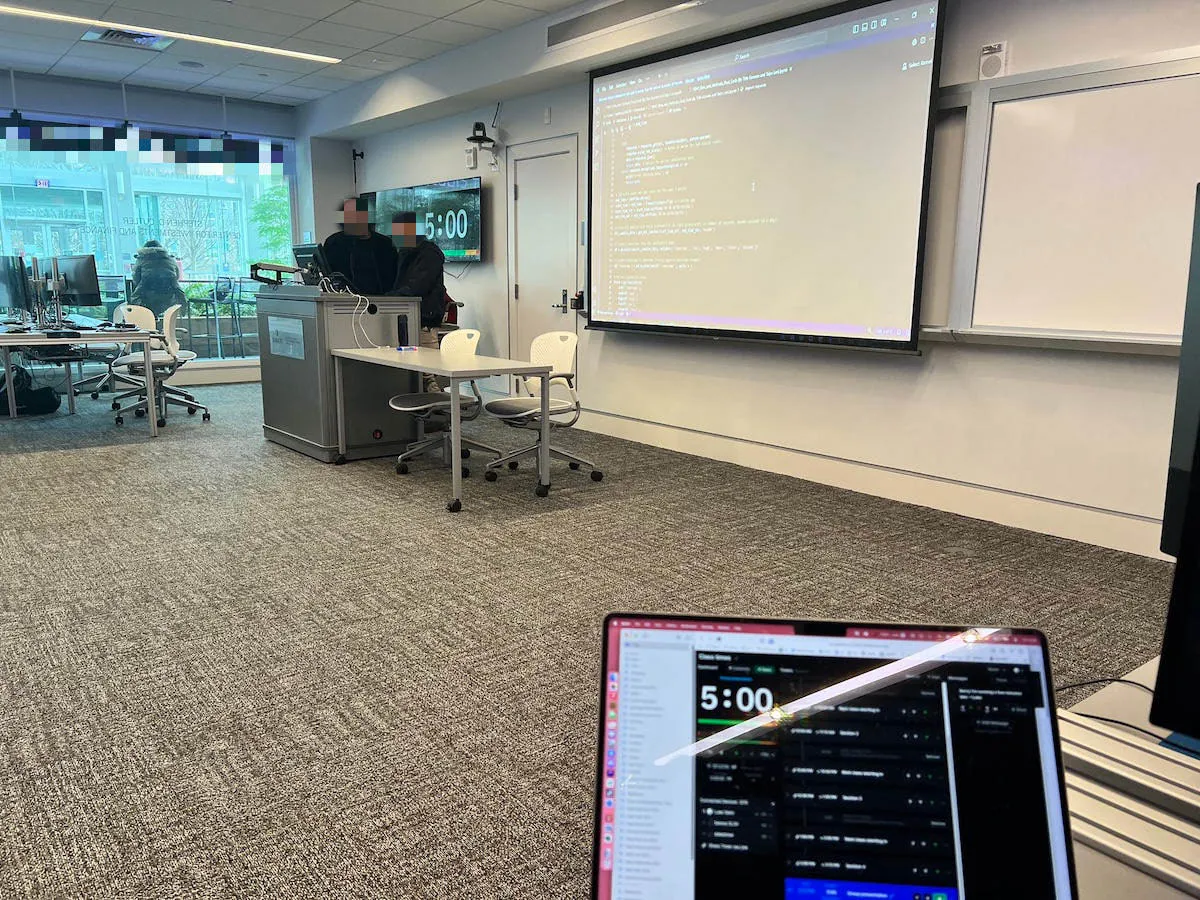
Luke Stein teaches finance at Babson College. He uses Stagetimer in his classes, for research presentations and for the conference sessions he covers. He runs the timers himself, while he teaches.
The critical feature for me is the ability to set up multiple timers in advance, and run them with a mix of automation and manual control that provides flexibility to keep things on schedule without too much distraction (since I’m a “one-man band,” and my main focus always need to be on audience and content).
One room for the day, one for the exercises
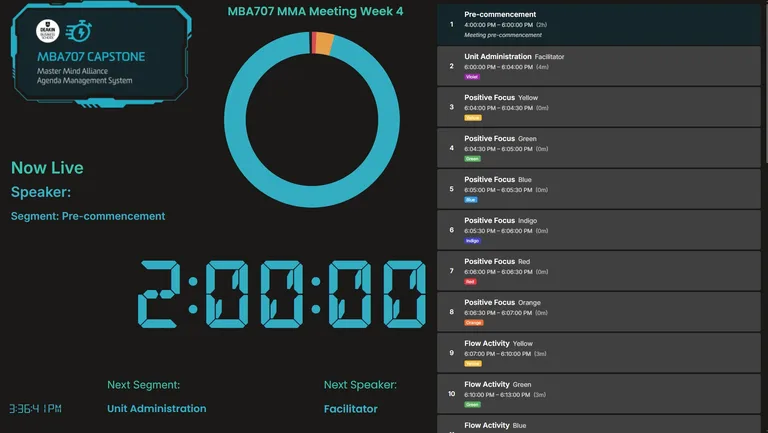
For example, I generally set up a Stagetimer room with pre-scheduled timers counting down to the end of each class or conference session I’m covering in a day. Then I’ll also manually run shorter timers I’ve set up in a separate room for things like a 10-minute classroom exercise, or a 15-minute presentation automatically followed by a 5-minute Q&A.
The laptop controls, the room shows the time
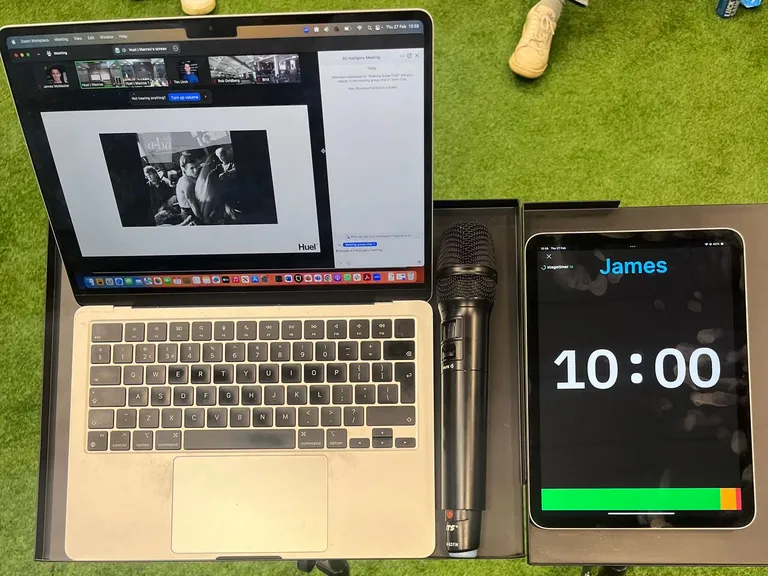
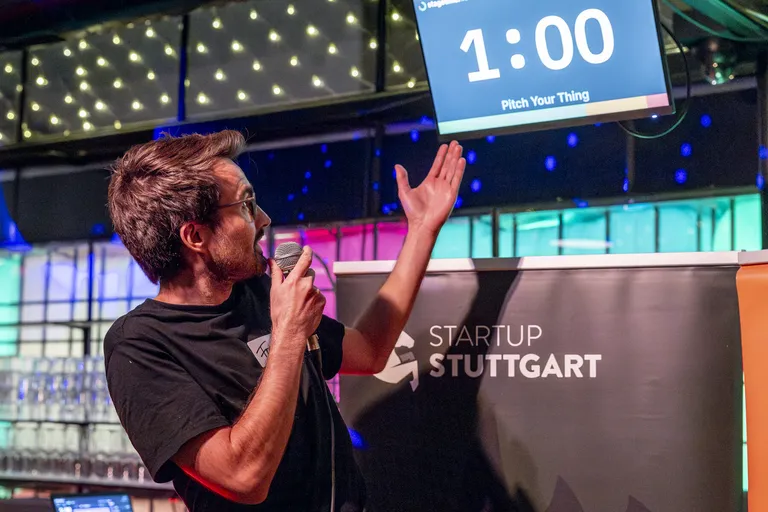
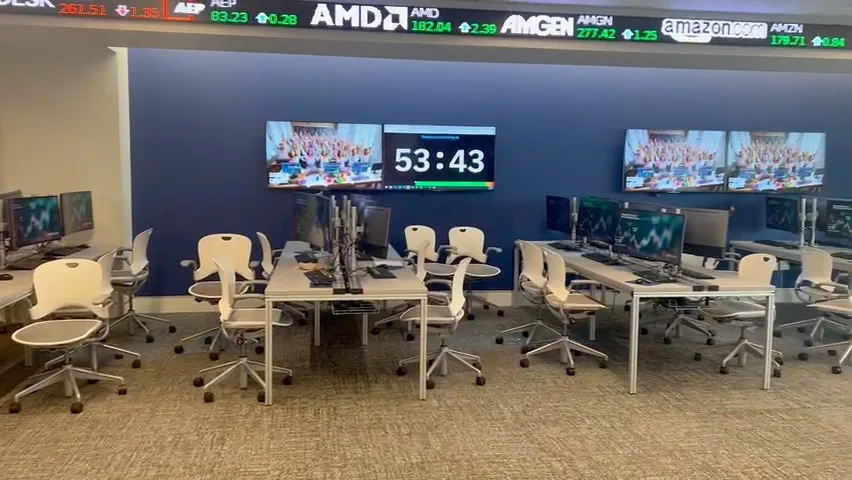
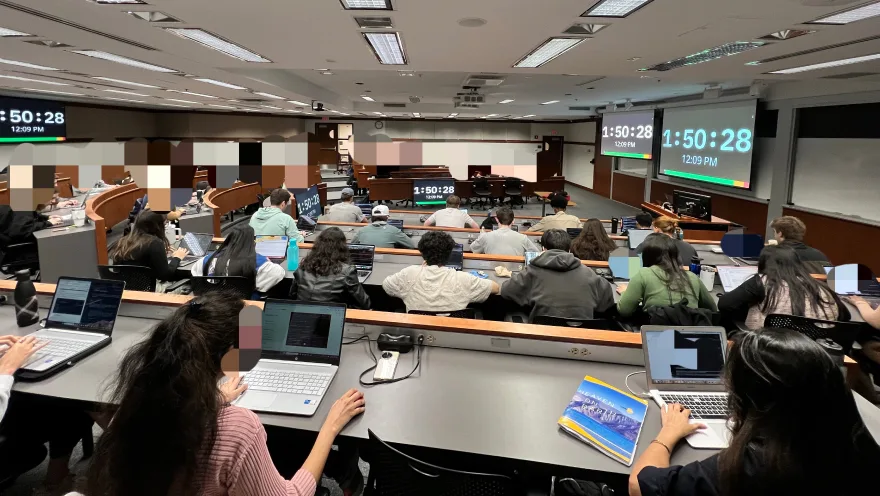
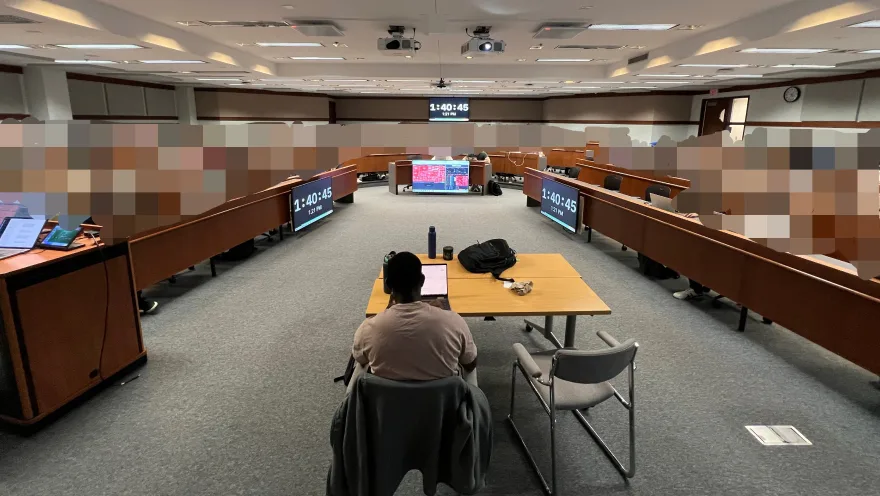
I can fully control Stagetimer from my computer, but show only a simple output in my classroom.
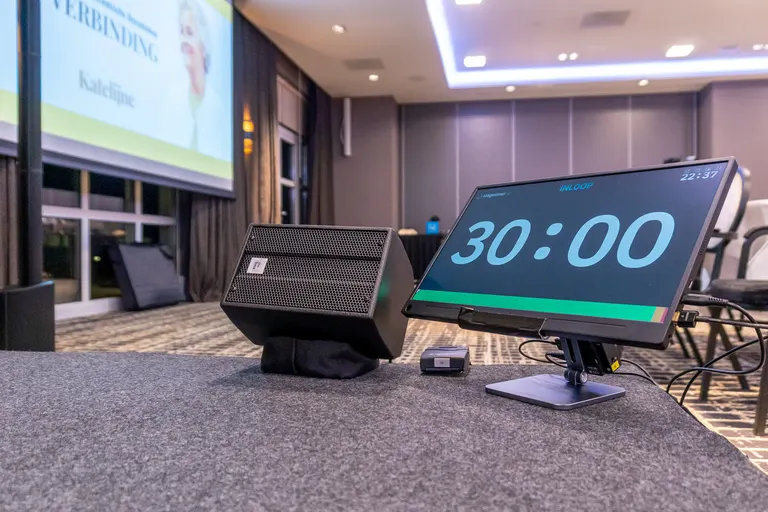
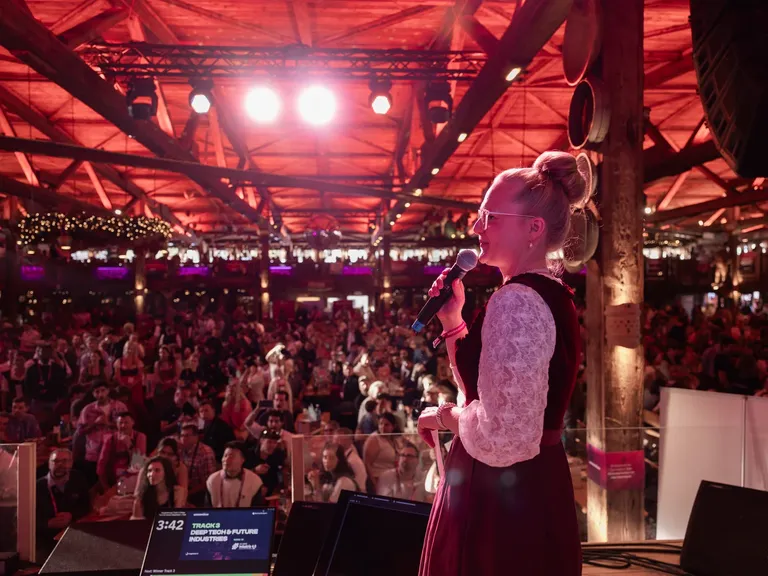
The screen depends on the room. Sometimes it is an iPad or a phone pointed at the speaker. In rooms with several screens, he plugs a Firestick or Google TV into one of them, so his laptop stays free.
On camera in online classes
Stagetimer also works really well in online meetings and virtual events. Free software like OBS or Electron Capture lets me show a Stagetimer clock or timer together with slides, or overlaid in the corner of my camera.
With more gear, the same works in hardware:
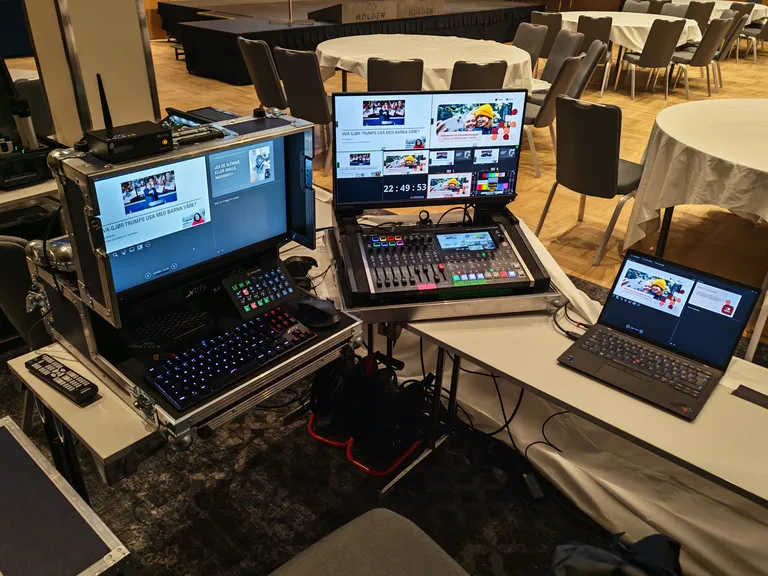
I output Stagetimer on a Firestick and overlay it using an ATEM Mini video switcher. And everything’s controllable using Bitfocus Companion and an Elgato Streamdeck… the sky’s the limit.
Timers, countdown cards, hand signals
I am not a person who finds it easy to stay on time. And it always seems like my students and research colleagues aren’t necessarily, either. I’ve been relying on timers and countdown cards and hand signals to keep myself and others on track for ages. Stagetimer has become the tool I rely on over the last few years, and I recommend it all the time.