Customer story · Geoman, Netherlands · November 2026
A clock and messages for the host, on any screen
- Who
- Webinar, podcast and event production, Netherlands
- Gear
- Tablets, iPads and laptops as displays, Bitfocus Companion panel
- Since
- About 3 to 4 years
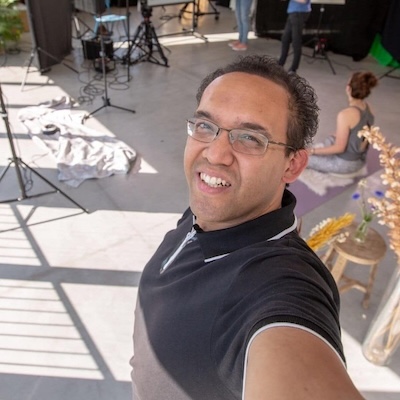
Barry Jonas runs Geoman. He produces webinars, video podcasts and live events, in his own studio and on location.
I was in search of a easy way to display a clock and to push messages to a host in the most easy way possible. And somehow I found StageTimer.
The programme from paper into the browser
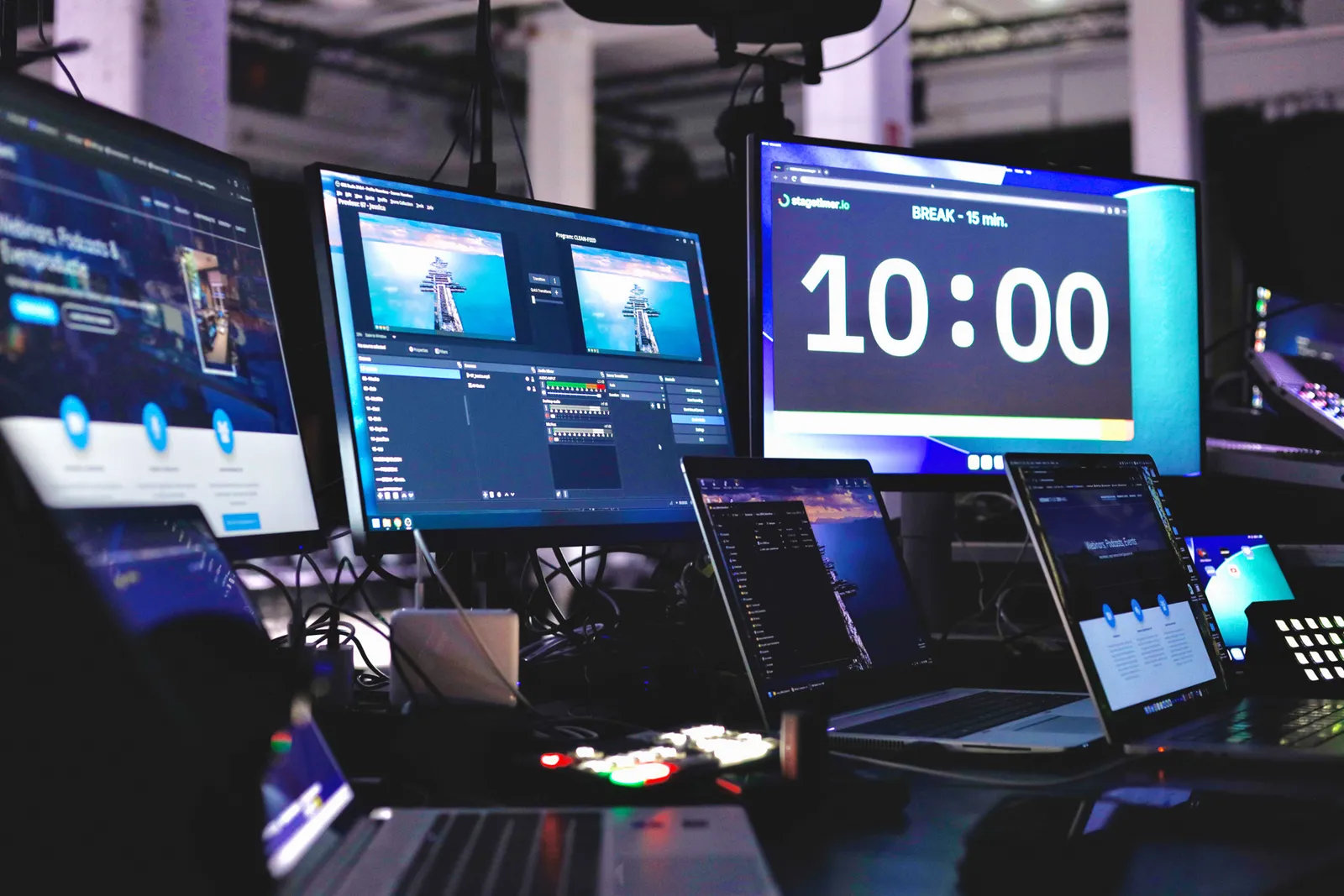
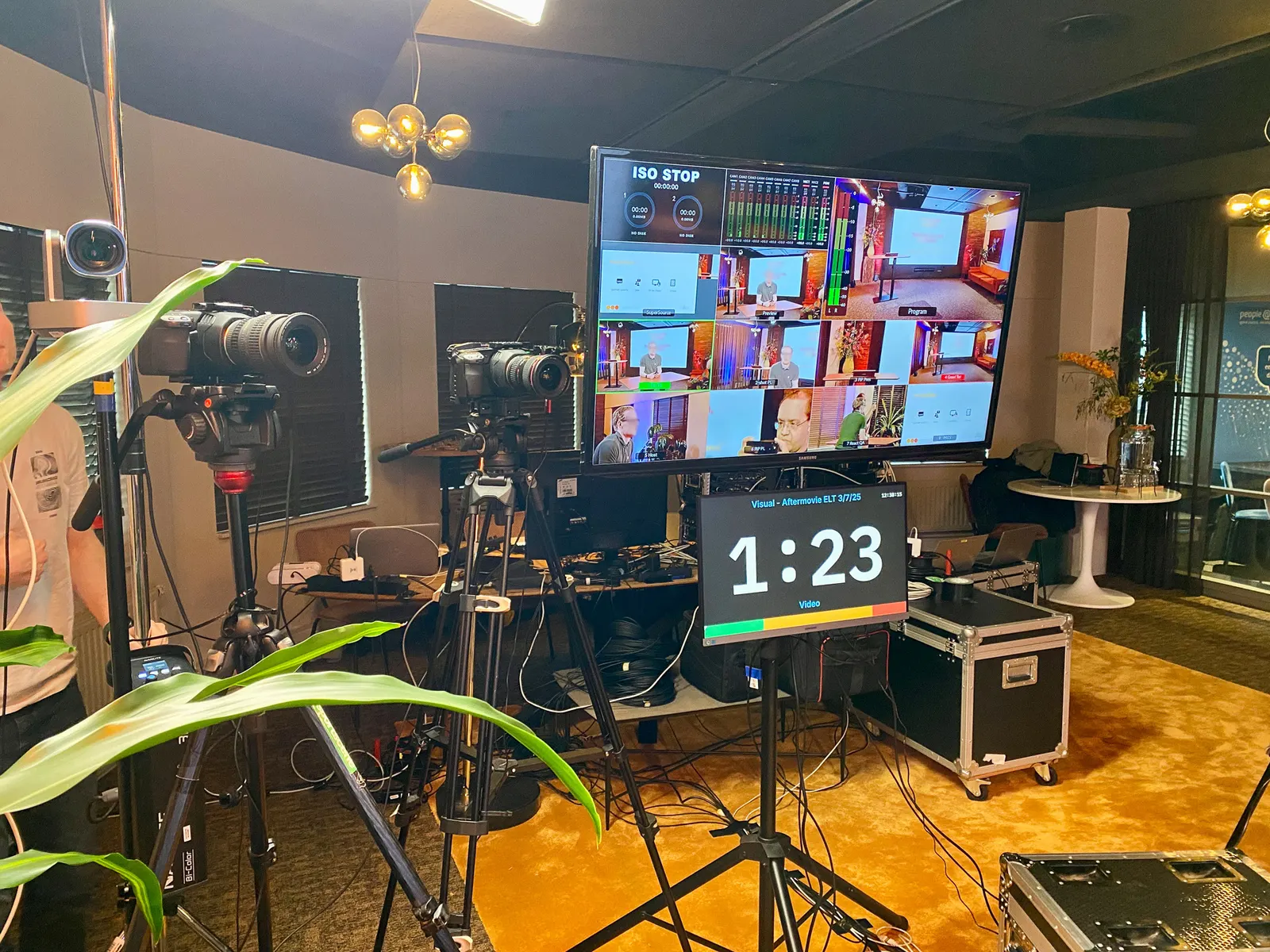
Before a show, Barry enters the programme from paper into Stagetimer. During the show he keeps it in sight next to his multiview.
Usually I program StageTimer with the programme that's on paper so I have the phase of the event in my sight on autopilot because I have a Multi-View screen in front of me most of the time.
Whatever screen is at hand
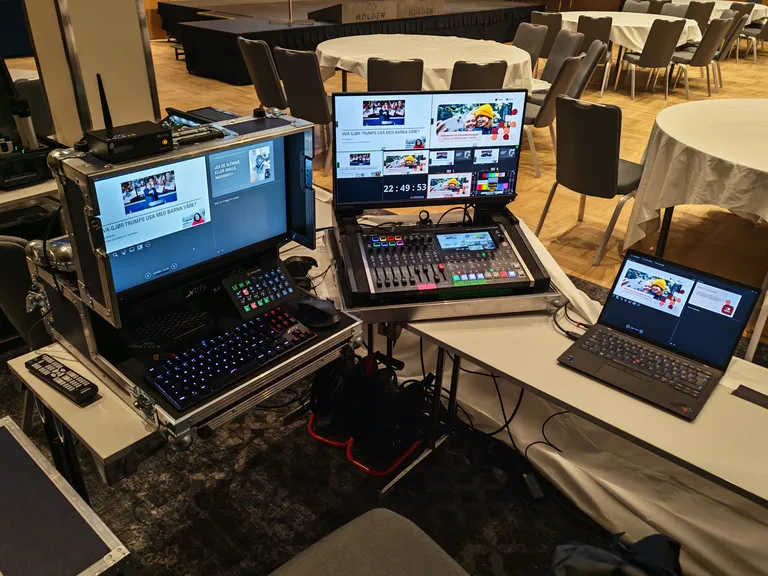
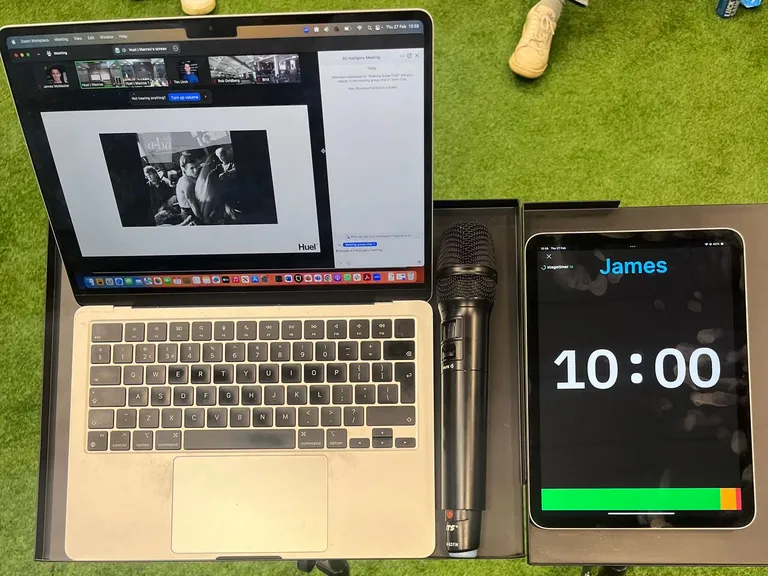
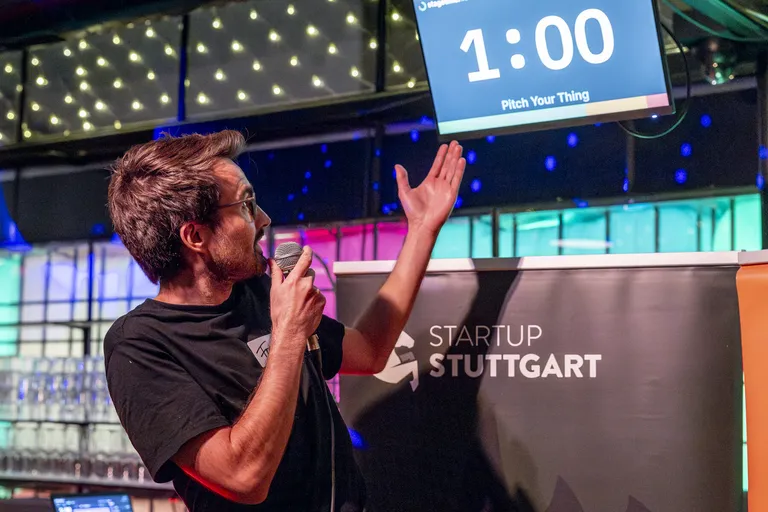
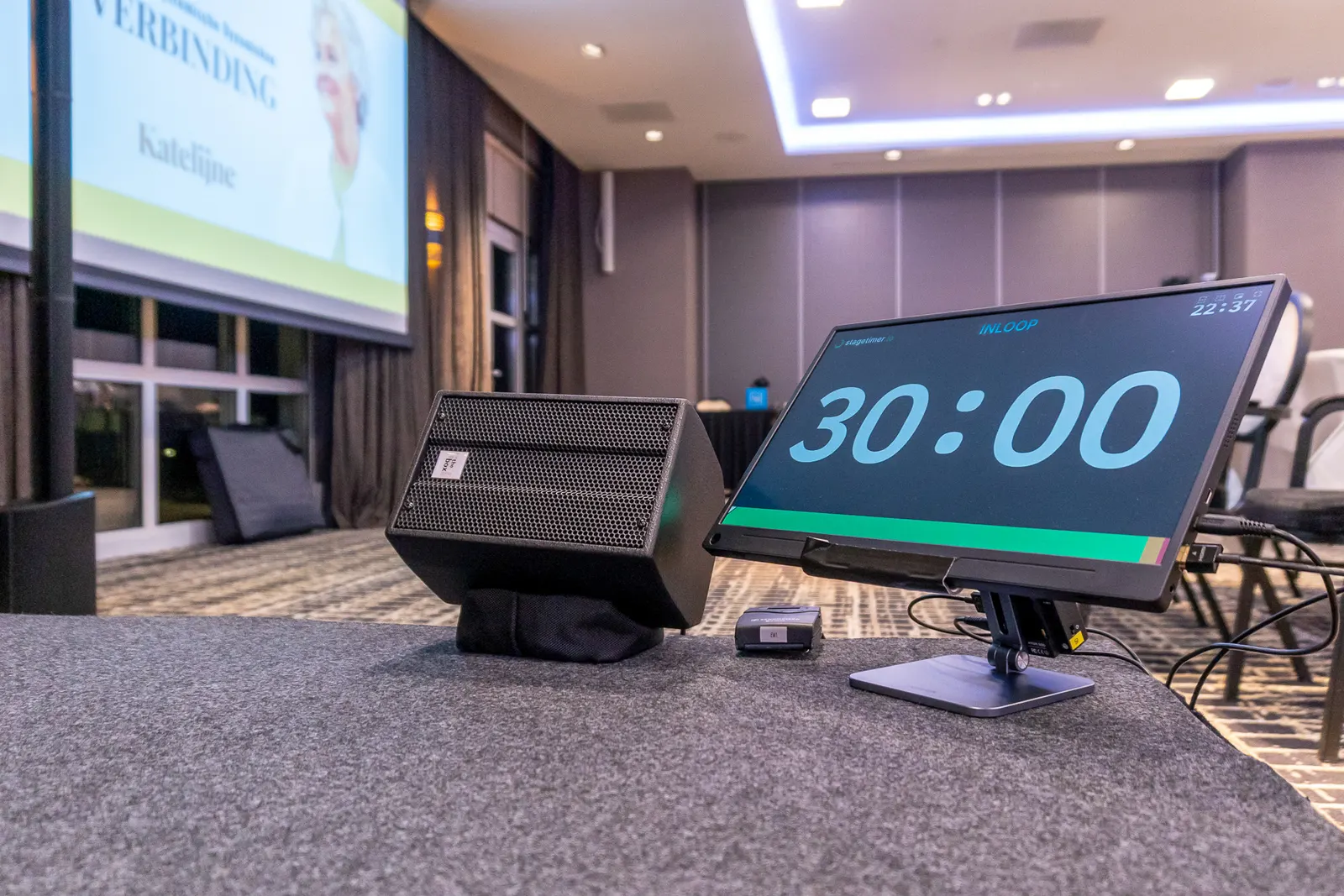
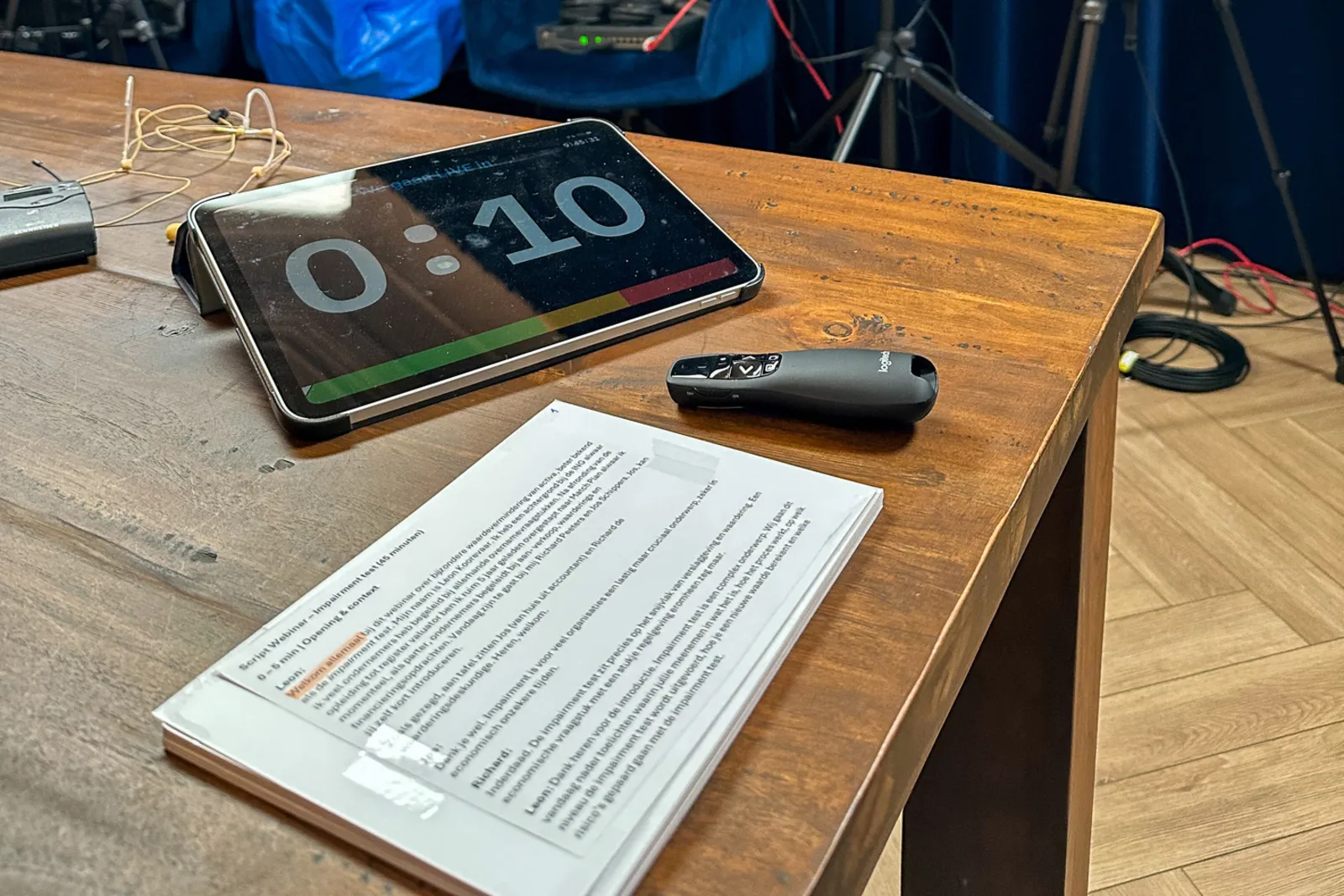
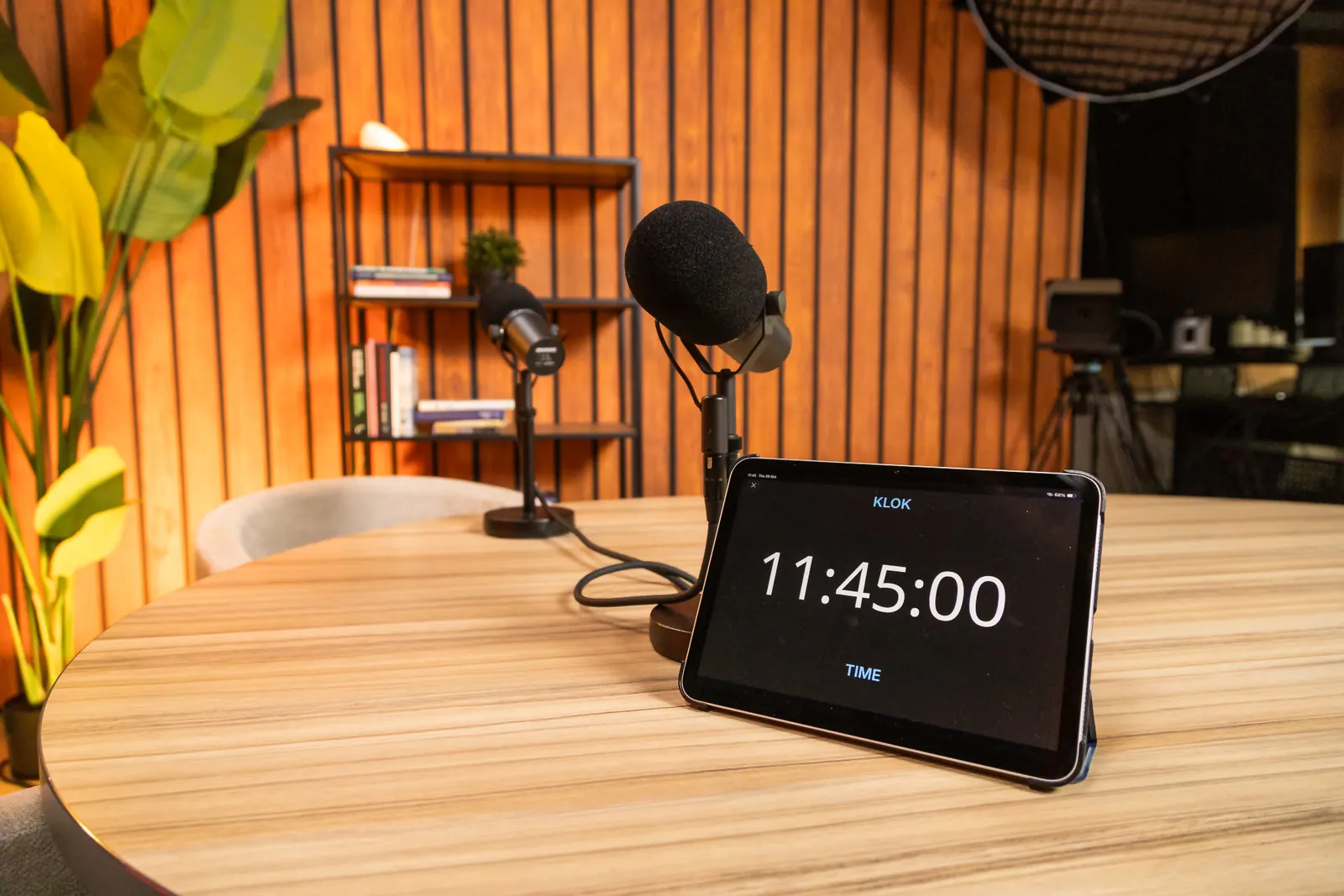
The host sees the timer on the device that fits the set: a tablet on a stand at the stage edge, an iPad next to the printed script, a laptop on the table in the studio lounge.
I really like having this tool because it's web-based. And I can use any tablet, phone or laptop to display a clock or the programme.
Messages from the control room
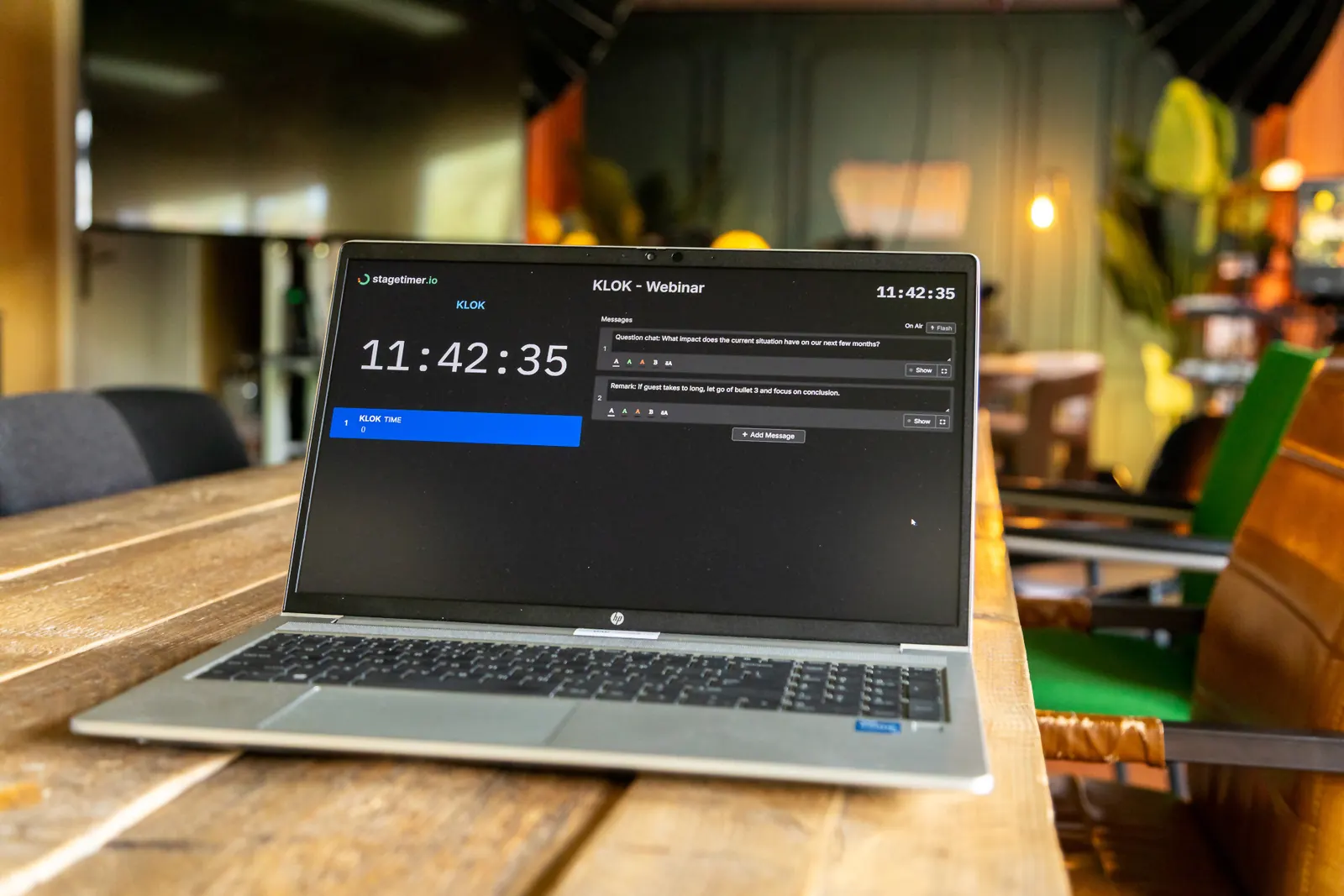
The crew sends messages to the host's screen: questions from the chat, a remark like "If guest takes too long, let go of bullet 3", or a technical note.
For hosts/moderators it works so easy to push messages to them. These messages range from chat, to remarks or even technical.
Colleagues who aren't on site can help too.
And because it's web-based collegues that are not on-site can still perform tasks for the webinar or the event.
Buttons for the usual times
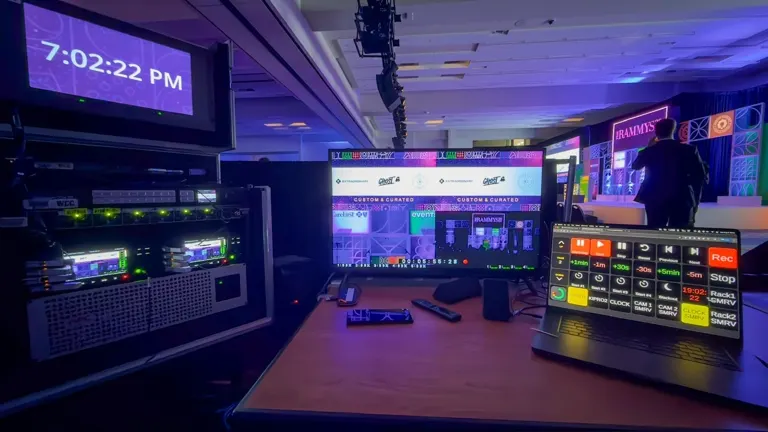
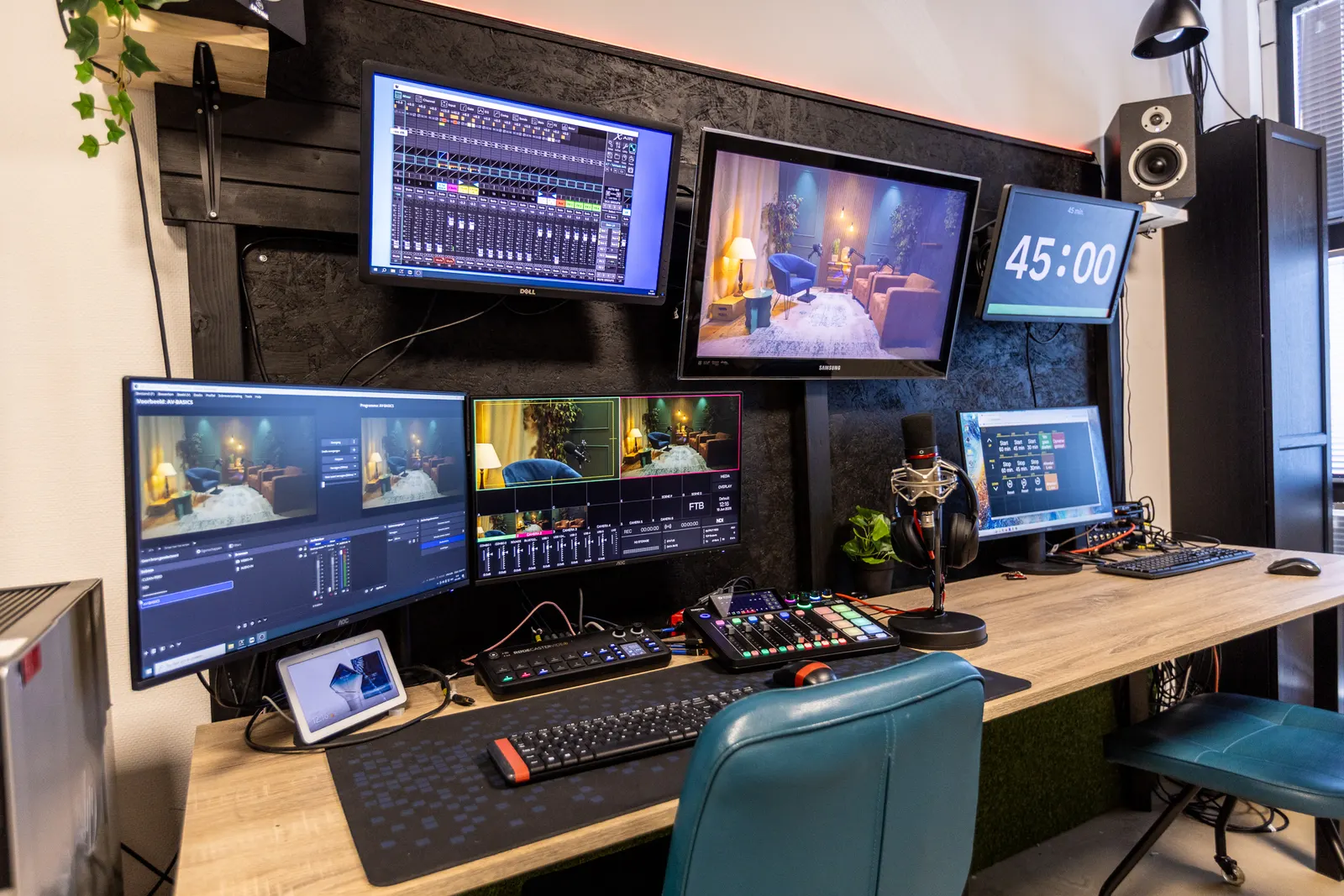
In Geoman's own control room, a large clock sits above a Bitfocus Companion panel. It has buttons to start 60, 45 or 30 minutes, to stop, "We gaan starten" (we're starting) and "Afronden" (wrap up) for 5 and 1 minute.
I really like that I can control timers with Bitfocus Companion. I don't have the time yet to dive deeper into this, but I made it work in my podcast/webinarstudio.
Two minutes to explain
I can explain the system in 2 minutes flat to anyone that knows how to use a browser.