
Dashboard, Folders and Team
What Is the Dashboard?
The dashboard lists the rooms and folders of your team. Folders group rooms, go inside other folders, and control which team members see them.
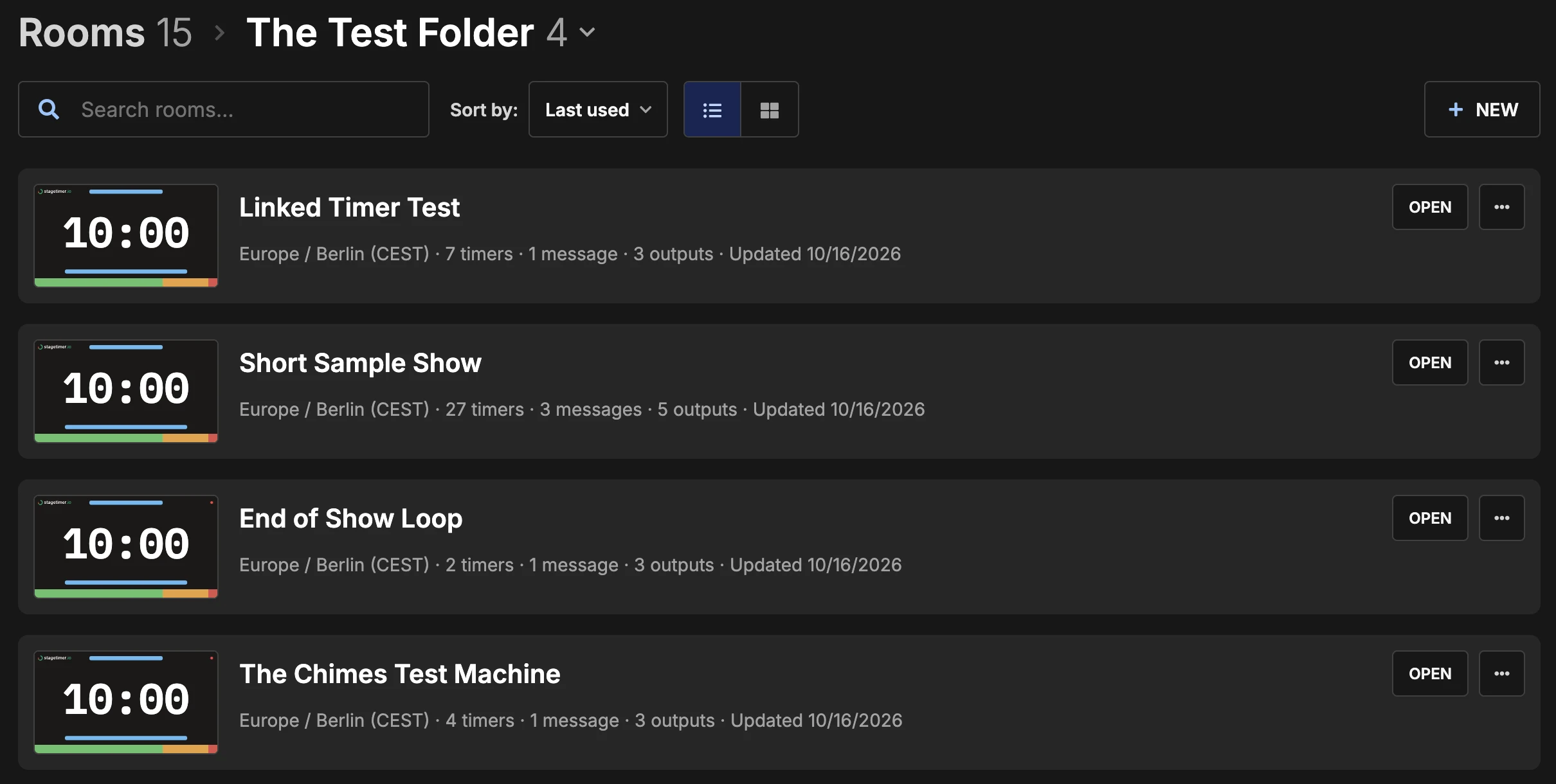
To create a room or a folder, or to import a room from JSON or CSV, use New (see Import & Export).
You can move rooms between multiple teams with Move to team in the … menu.
How Do I Organize Rooms in Folders?
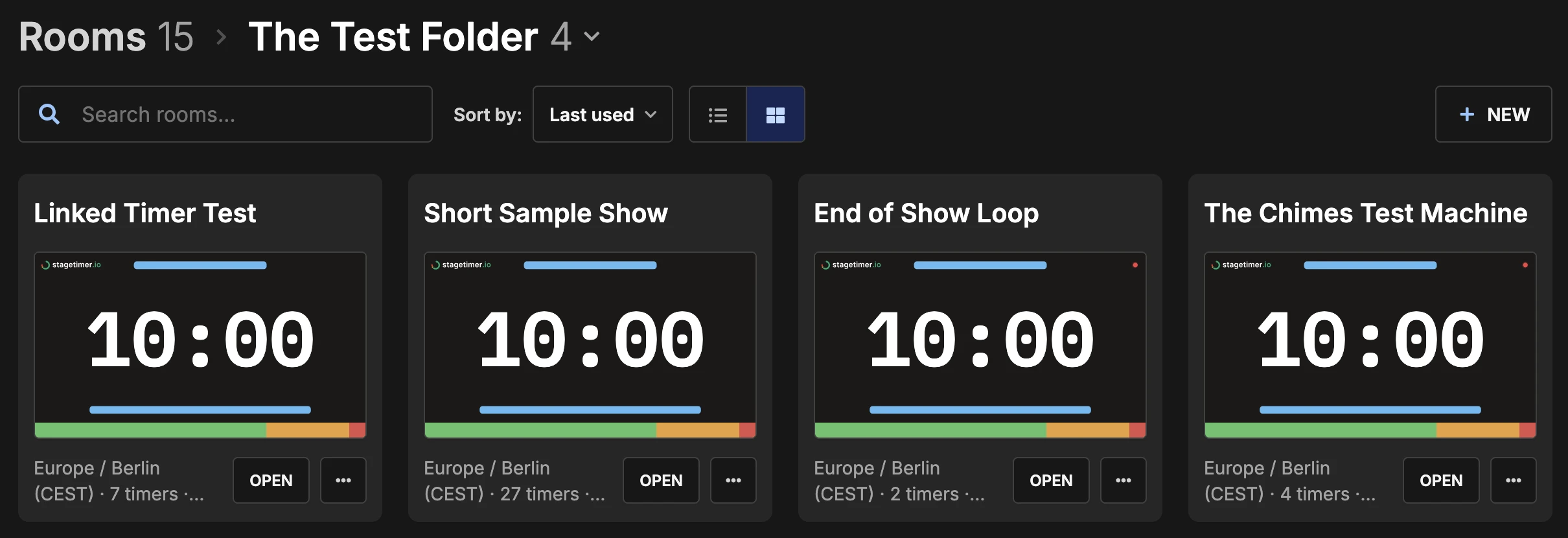
Create a folder with New → Folder, then drag & drop rooms and folders on it. In list view, you drag the grip at the left edge of a card. Or use Move to folder in the … menu.
How Do I Delete a Folder?
Use Delete in the … menu of the folder. This also deletes all rooms and subfolders in it.
How Do I Invite Team Members?
Use Invite on the Team page. The member joins when they accept the email.
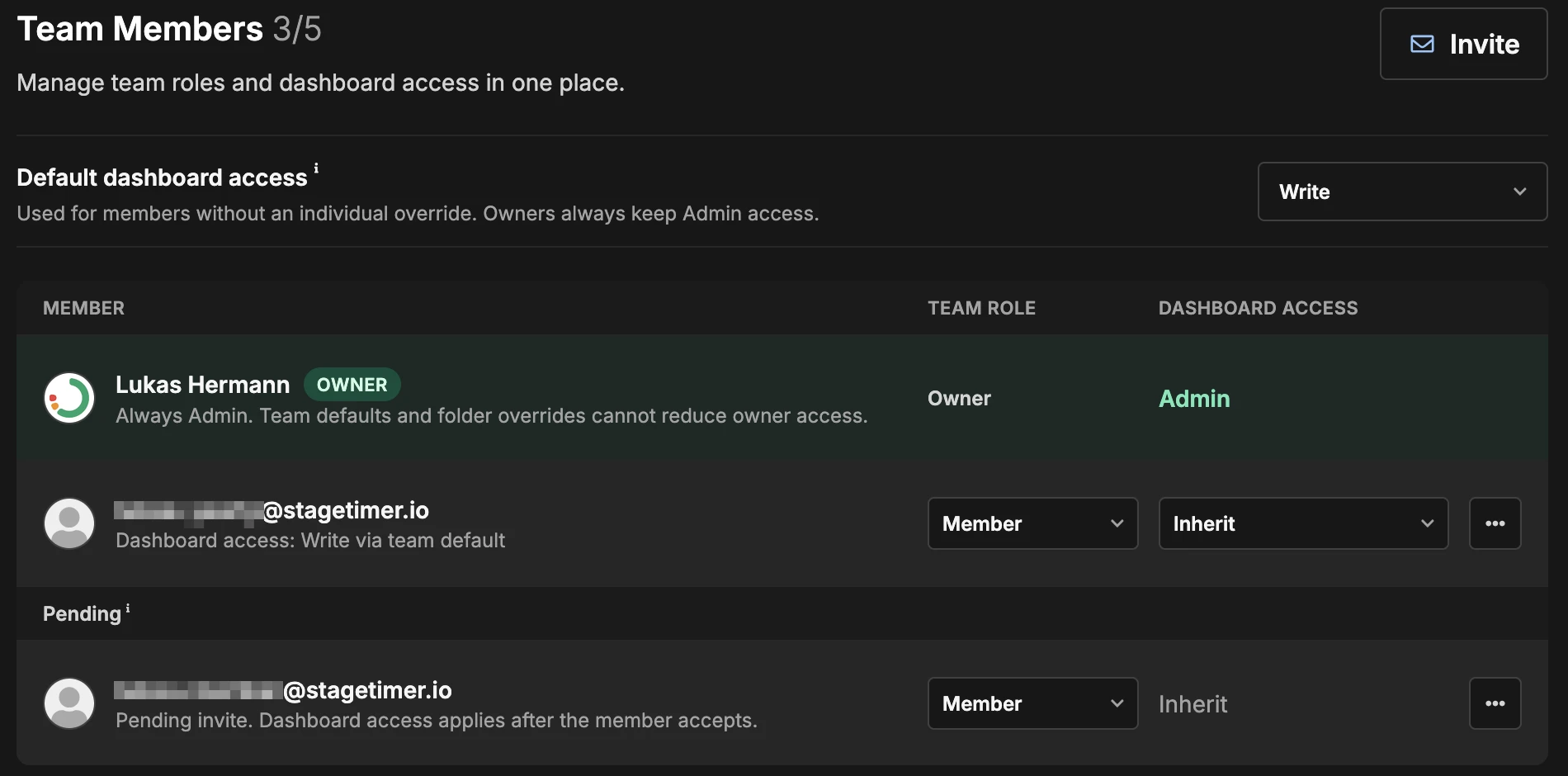
Owners manage the team and billing and always have full access. Billing members manage billing. Members use the rooms.
To set what a member can see and change on the dashboard, use the Dashboard access column. To limit it for one folder, use folder access.
The Team page also holds the team API keys and the desktop app license keys.
How Do I Control Who Sees a Folder?
Use Permissions in the … menu of the folder. Inherit takes the access of the parent folder.
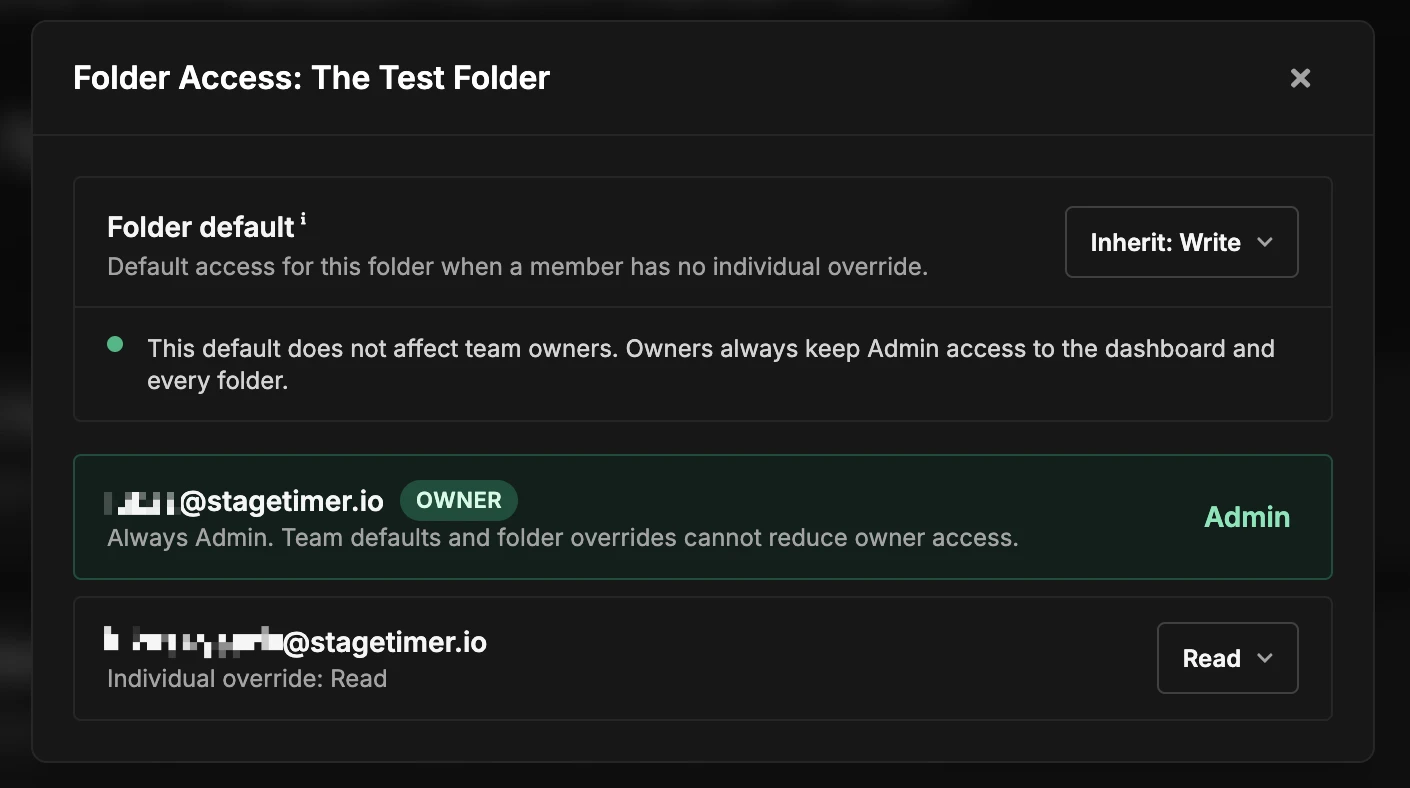
| Access | What the member can do |
|---|---|
| No access | The folder is hidden |
| Read | Open the folder and its rooms. Rename, move, duplicate and delete are not available |
| Write | Create, edit, move, reorder and delete folders and rooms |
| Admin | Everything in Write, and change folder access for others |
A member with access to a folder deep in the tree also sees its parent folders, without the rooms in them.
Output links of rooms in a hidden folder still work for anyone who has the link.
How Do I Sort and Pin Rooms?
To keep a room or folder at the top, use Pin to top in the … menu. To put rooms in your own order, drag them to a new position.
Does Search Include Subfolders?
No. Search finds rooms and folders in the current folder only.