
Over/Under Element
What is the Over/Under Element?
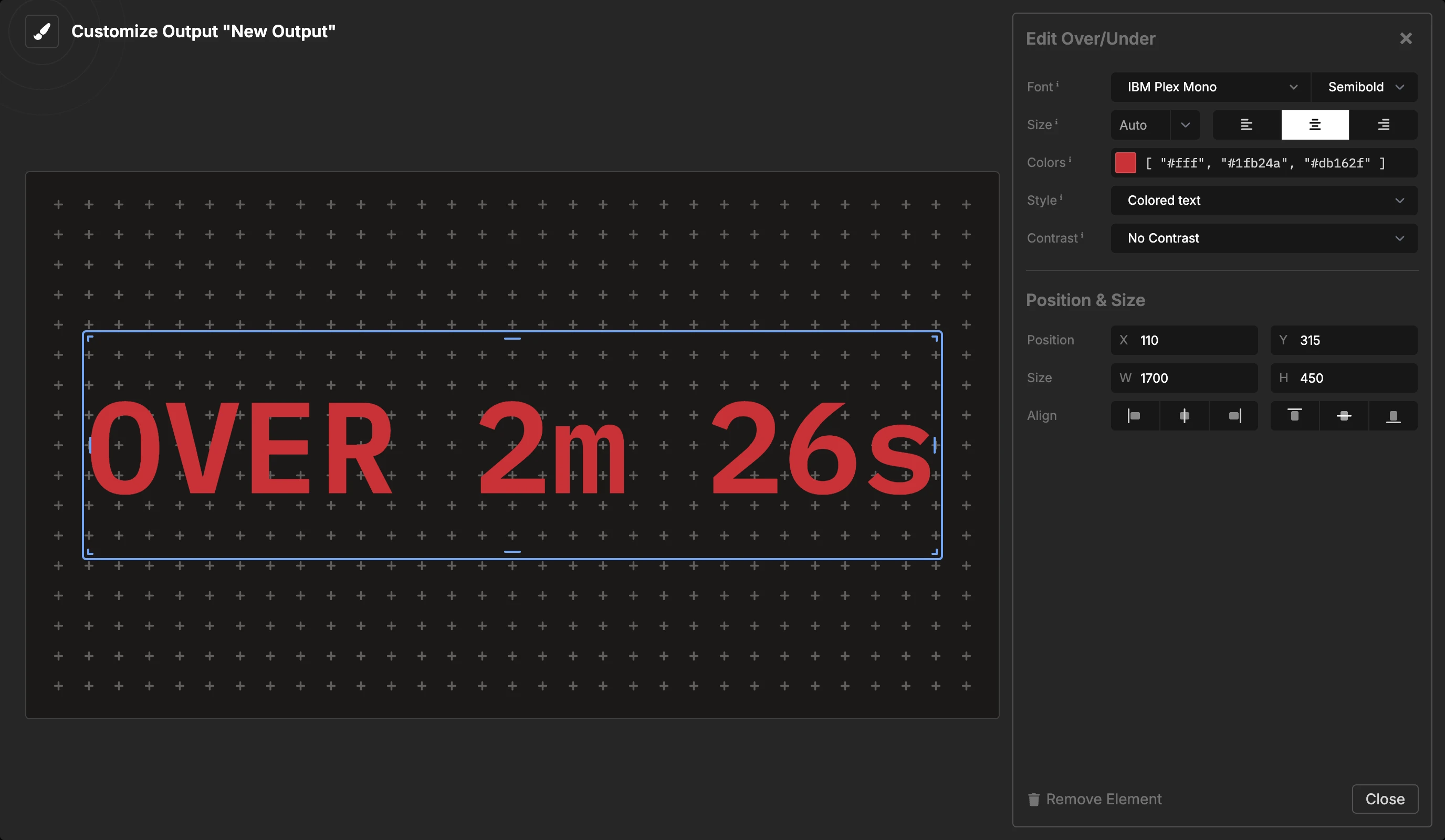
The Over/Under element shows how far the show runs over or under schedule. It shows the same number as the Over / Under in the timing readout.
What It Shows
- Before the show starts: a dash (
– –), in the text color. - On time or under:
ON TIMEorUNDER 2m, in green. - Over:
OVER 5m, in red.
The color follows the room tolerance. A show that is a few seconds late stays green. The words always show the exact direction.
The value is for the full show, not for one timer. To show the over/under of each timer, use the Agenda element.
Element Settings
- Font: The font family and weight.
- Size: Auto fills the element. A fixed size keeps the text the same size on all screens. Set the alignment here too.
- Colors: Three colors: the text color, the color for on time or under, and the color for over. The defaults are white, green and red.
- Style: Colored text paints the text green or red. Colored pill puts a green or red pill behind the text and keeps the text in the text color.
- Contrast: Drop shadow or outline.
For over/under without color, use the $OVER_UNDER placeholder in a Text element.