
Use Stagetimer with AI Agents
An AI agent like ChatGPT, Claude or Cursor can set up your show in Stagetimer. Give it your agenda as text, a PDF or a spreadsheet. It writes a room file with the event date, the time zone, every timer, heading, group and end of day row, and your messages.
Get Started
Copy this prompt and paste it into your agent:
I want to set up my show in Stagetimer (stagetimer.io), a countdown timer for live events. First read https://stagetimer.io/docs/ai-agents.md and follow it. Then ask me what you need.If your agent can't open web pages, attach the agent guide instead.
Which Plan Do I Need?
Importing a room file and the API need a paid plan or a 30-day event license. The desktop app imports the same files.
Planned for Q1 2027: an agent can set up a room through the API on any plan. You pay only when you use premium features in your show.
Import the Room
On the dashboard, click New → Import JSON and pick the file the agent wrote. The import always creates a new room. To fix something, tell the agent and import the new file.
Give the Agent API Access
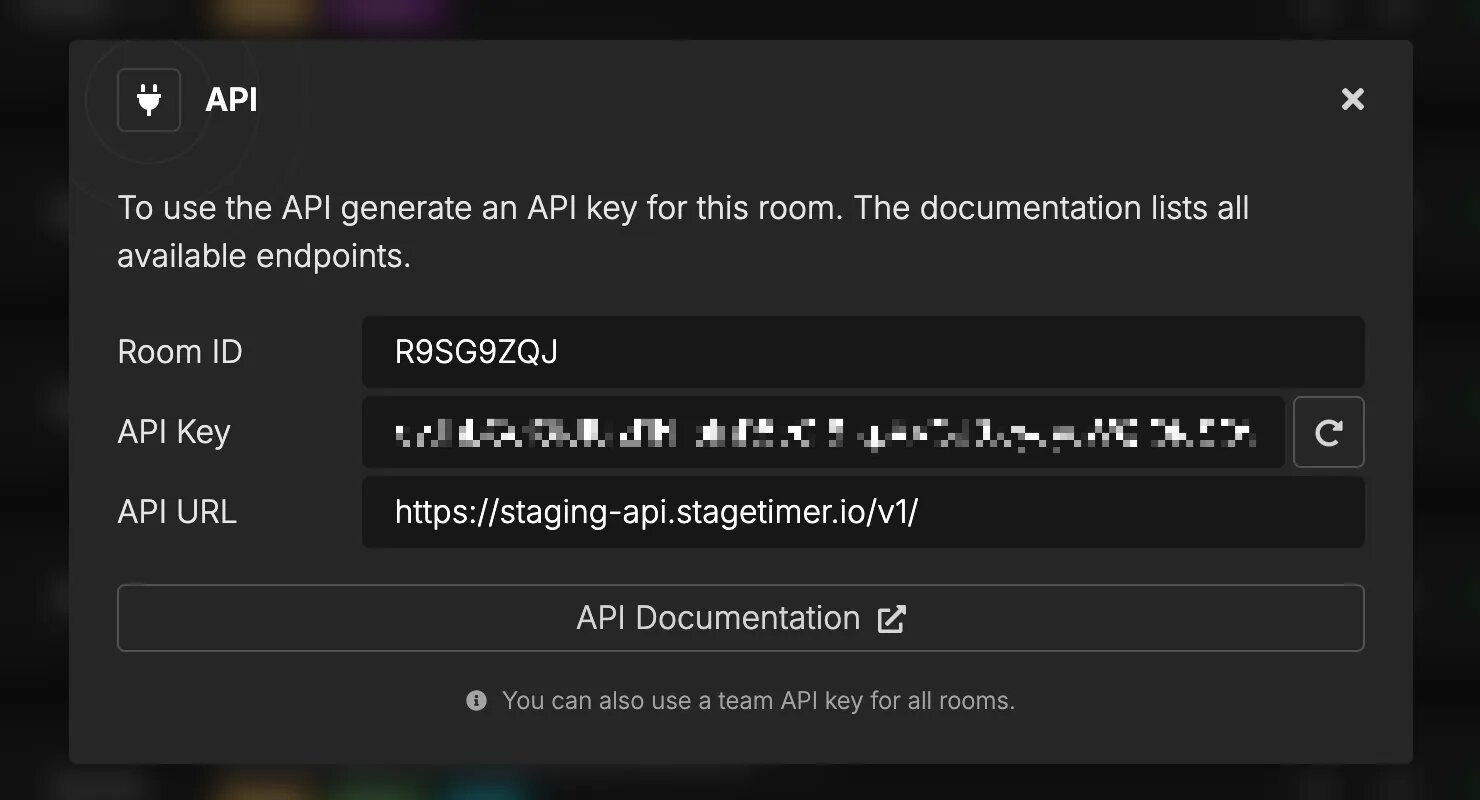
To let the agent change a room you already have, click Room → API in the controller. Click Generate if the room has no key yet, then Copy all and paste the text into the agent. To lock the agent out again, click Rotate. The old key stops working.
What Can the Agent Do?
With the API the agent reads the room, adds, changes and deletes timers and messages, and controls the show: start, stop, next, add time, show messages. The API can't create a room, headings, groups or end of day rows, and it can't set the event date. For those, the agent writes a new room file.
The agent can test your room before the event, for example start a timer and check the status. It doesn't start, stop or skip timers during the show unless you ask.
To reuse the look of another room, export it with Room → Export → JSON and give the file to the agent.
For Agents and Developers
- Agent guide (Markdown): the room file format with every field and rule, and the API in short.
- Sample room file (JSON): a two-day conference with a heading, a group, an end of day row and messages.
- The API and its OpenAPI spec.
- llms.txt: an overview of Stagetimer for language models.